

Liquid Brokers Trading Bot and Trading Journal: Backtest, Run and Track Your Strategy
Tessera runs your own strategy as a trading bot on a Liquid Brokers account, without code. Describe the strategy in plain English in Strategy Lab and TES, the AI strategy coach, builds it and backtests it on forex, gold and silver with spread, commission, swap, Monte Carlo and an unseen period. When it holds up, Launchpad runs the same rules on your Liquid Brokers account. You approve each trade in Telegram or the app, or let it trade inside the limits you set.
Liquid Brokers is also Tessera's deepest journal connection. Live sync brings in your trades with balance, equity, unrealised P&L and cash transfers, so the portfolio chart shows the whole account, not just trading P&L.
Liquid Brokers trades on the Liquid Charts platform, which is its charting side. You connect with the same login.
Checked against the Tessera help centre · Updated
- Live sync
- Yes
- File import
- DXtrade statement
- Markets
- Forex, Indices, Crypto
- Trading bot
- Launchpad: Forex, gold, silver and whatever else your account lists
Run a trading bot on Liquid Brokers with Launchpad
These are the steps as of November 2026. Strategy Lab is on the Free plan, which also includes one 7-day Launchpad paper run with no trade limit. Live trading, Copilot and Autopilot are on paid plans, from $39 a month.
- Build and backtest the strategy in Strategy Lab, or start from a backtested forex strategy or gold strategy in the library and rebuild it with its prompt.
- Run it in Paper mode first. Paper trading uses live prices and the backtest's own costs, with no broker account needed, and you can move the strategy to Liquid Brokers later.
- Connect your Liquid Brokers account with your Liquid Charts login. One login covers all the accounts under it, demo or live.
- Choose Copilot (signals sent for your approval) or Autopilot (fully automated). In Copilot every signal arrives as a notification with a chart of the trade, and nothing is sent until you approve it in Telegram or the app. In Autopilot, on every paid plan, the bot trades for you: within seconds of each candle closing it checks the strategy's rules, and when a setup appears it sizes the trade by the risk settings you chose and sends it with its stop and target, without waiting for you. You set % risk per trade (0.5% by default, capped at 5%), maximum size, a daily loss limit, maximum trades and trading hours, and every order is checked against them when the signal fires and again right before it is sent.
Stop loss and take profit are attached at the broker with each order. Before it starts, Launchpad checks that your login's instrument list includes the strategy's market. A backtest is not a guide to future results, and the strategy, settings and risk are yours.
Bring your Liquid Brokers trades into the journal
These are the steps from the Tessera help centre, as of November 2026. Trades placed by Launchpad come back on their own; these steps are for the trades you take yourself.
Connect with live sync
- In Tessera, open the broker connection and choose Liquid Brokers.
- Enter your Liquid username and password.
- Connect, then run a sync so Tessera pulls your trades and account figures.
You can refresh from the same account whenever you want new trades and balances.
Import a statement (backfill)
- Sign in to your Liquid Brokers platform and open the account statement for the account you want.
- Export the Statement as CSV or text. Tessera expects the tab-separated statement with Open, Close and Financing rows, not a custom spreadsheet.
- In Tessera, choose Liquid Brokers, then file import.
- Enter your account code, set the statement timezone (an IANA name such as
Europe/London), optionally set the asset classes you trade, and upload the file.
You can start with a statement and add live sync to the same account later.
What you can analyse
- Core statistics: win rate, expectancy, profit factor, average win and loss, and drawdown. See trading expectancy.
- The full account curve. On live sync, portfolio growth includes deposits and withdrawals, so you see the account as your broker does.
- Sessions and time of day. P&L by session, hour and weekday, so you can see whether a forex or gold strategy earns its money at the London open or the New York overlap.
- Volatility and market regime. Trades grouped by the conditions at entry.
- Backtest against live. Compare a Launchpad bot's fills with its backtest to see what spread, slippage and swap do to the edge. See why a strategy works in backtest but not live.
- Rule simulator. Replay the trades you took on real candles with a session filter or a different stop or target before you change the strategy.
Limitations
- Statement format. File import needs the platform's Statement export with Open and Close rows, not an arbitrary spreadsheet.
- Timezone. The statement timezone must be a valid IANA name; a wrong zone shifts every trade.
- Full balance on live sync only. Accounts imported from a statement show cumulative trading P&L, like other imports.
- Markets. Strategy Lab backtests forex, gold, silver, US stocks and ETFs. It doesn't test index CFDs, so an index strategy is tested on the matching ETF.
- Plan. The Free plan includes Strategy Lab and imports the last 90 days of trades for one broker account. Launchpad, full history, statistics, reports and the simulator need a paid plan, from $39 a month.
Frequently asked questions
- Can Tessera run a trading bot on Liquid Brokers?
- Yes. Launchpad runs a strategy you built and backtested in Strategy Lab on your Liquid Brokers account, demo or live, on paid plans from $39 a month. In Copilot mode you approve each trade in Telegram or the app; in Autopilot it trades inside your limits, with stop loss and take profit attached at the broker.
- Are Liquid Brokers and Liquid Charts the same?
- Yes. Liquid Charts is Liquid Brokers' trading and charting platform. You connect to Tessera with your Liquid Charts login.
- Do I need to know how to code?
- No. You describe the strategy in plain English and TES builds the rules. You can also build it from setups, filters and exits without typing anything. Our guide to creating a trading bot without coding shows the whole route.
- Can I test the bot before it trades real money?
- Yes. Run it on paper first, with live prices and the backtest's own costs, or on a Liquid Brokers demo account. Our guide on how long to paper trade a strategy covers how much forward testing is enough.
- Why does Tessera show my balance for Liquid Brokers but not for other brokers?
- Liquid Brokers live sync includes balance, equity and cash transfers. Most other connections only send trades, so their charts show cumulative trading P&L.
Related guides
 Algo trading
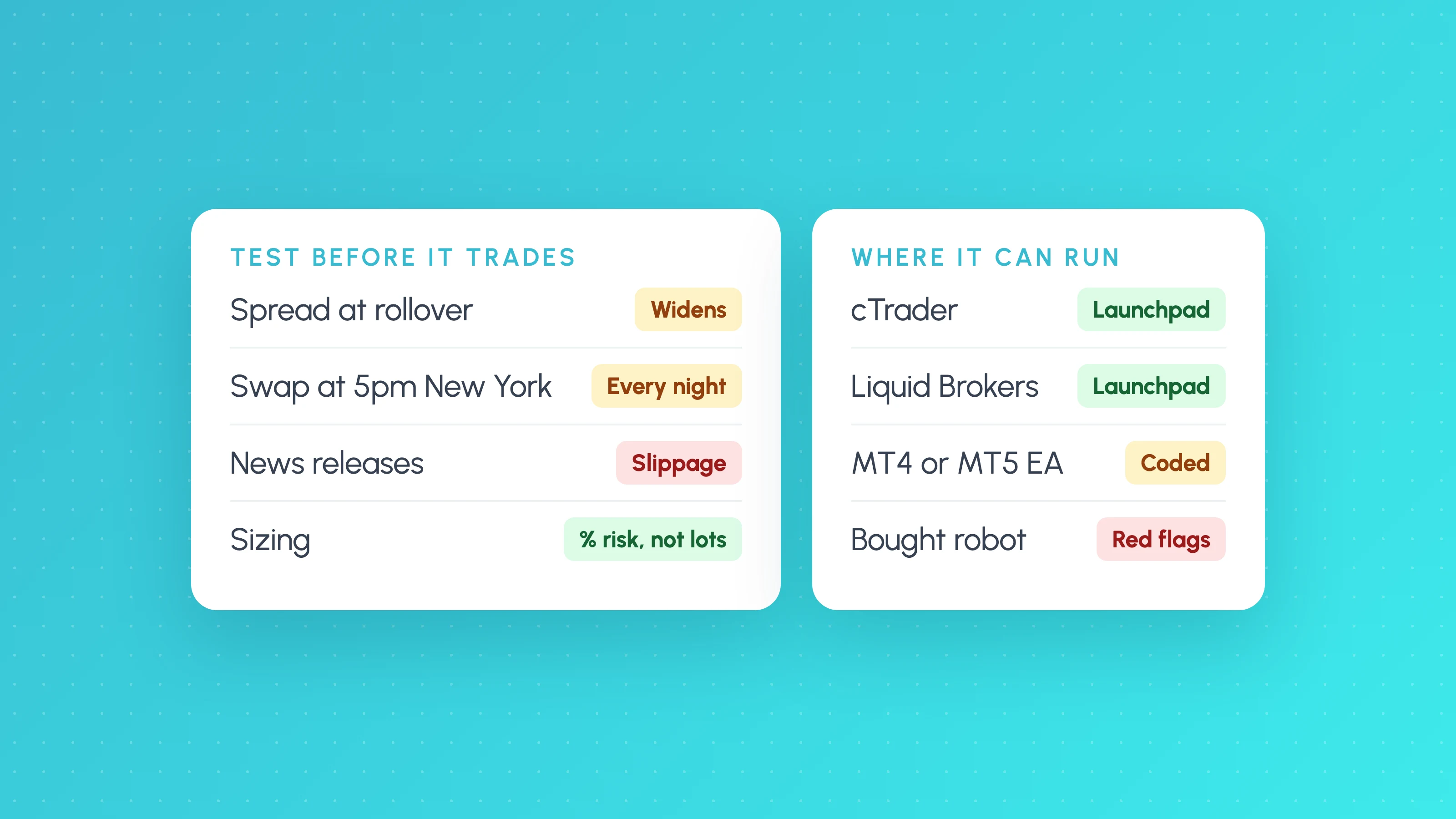
Forex Trading Bot Without Coding: Build, Backtest and Run One (2026)
How to build a forex trading bot without coding: the routes, the forex-specific tests (spread, swap, sessions, news) and paper trading it before live money.
 Algo trading
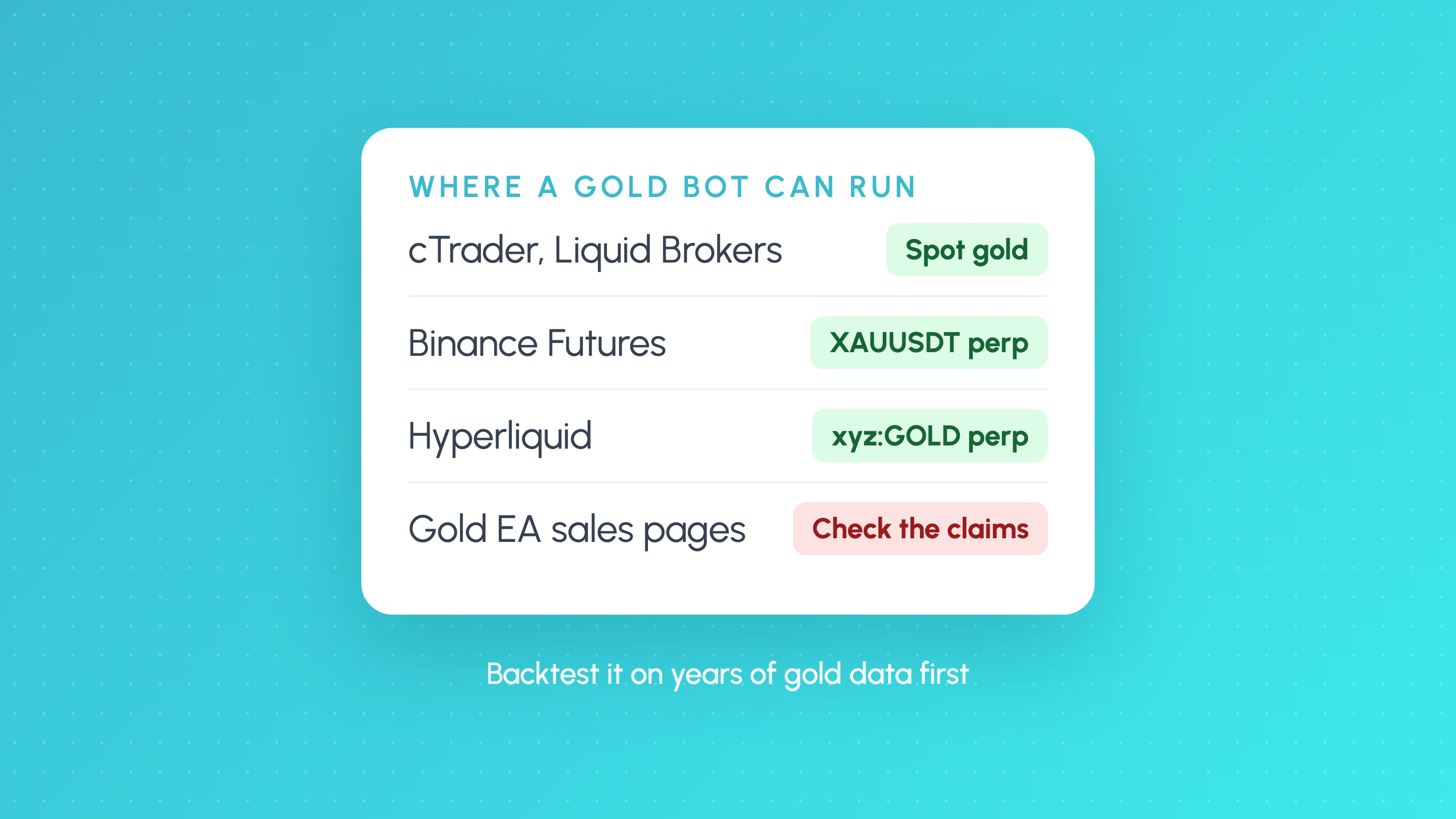
Gold (XAUUSD) Trading Bot: How to Build, Test and Run One Without Code
A gold trading bot runs fixed XAUUSD rules for you. How gold moves, which strategies suit it, red flags in gold EAs and where to run a bot without code.
 Algo trading
How Long Should You Paper Trade an Algo Before Going Live?
How long should you paper trade before going live? Count trades, not weeks: compare results with the backtest's expected band, then go demo, then small live.
Other platforms
- Binance trading journalLive sync and file import · Crypto
- cTrader trading journalLive sync and file import · Forex, Futures, Crypto, Stocks
- Hyperliquid trading journalLive sync and file import · Crypto
- Interactive Brokers trading journalLive sync and file import · Stocks, Options, Futures, Forex
- MetaTrader 5 trading journalFile import · Forex, Crypto, Indices
- NinjaTrader trading journalFile import · Futures
- OANDA trading journalLive sync and file import · Forex
- Tradovate trading journalFile import · Futures
- All supported platformsIncluding MT4, TradingView and Custom CSV