

Binance Trading Journal: Sync Your Spot Trades and Analyse Them Around the Clock
To get Binance trades into Tessera, connect a Binance Spot account with an API key that can read your spot trade history, list the pairs you trade and run a sync, or export your Spot Trade History CSV and upload it. The API covers roughly the last 90 days, so most people sync for recent fills and upload CSVs for older history. Tessera then shows expectancy, profit factor and drawdown, broken down by hour, weekday, session and volatility.
The Binance connection is spot only. Binance Futures and margin trades are not part of it. You can still bring futures history in through Custom CSV, as explained below.
Checked against the Tessera help centre · Updated
- Live sync
- Yes
- File import
- Spot Trade History
- Markets
- Crypto
- Good to know
- API covers the recent window. Full history via file.
How to connect or export your Binance trades
These are the steps from the Tessera help centre, as of November 2026.
Connect with an API key (live sync)
- In Binance's API Management, create an API key with permission to read spot trade history. Do not enable withdrawals: Tessera only needs to read trade history.
- In Tessera, choose Binance Spot and enter the API key and secret.
- Enter the spot symbols you trade, such as
BTCUSDTandETHUSDT. This is required, because Tessera syncs the pairs you list. - Optionally set an account start date, which tells analytics when the account began. It does not widen the API window.
- Connect, then run a sync.
Sync runs when you trigger it, not continuously.
Export your Spot Trade History (CSV)
- Log in to Binance on the website.
- Go to Orders, then Spot Order.
- Open Trade History, not Order History.
- Click Export Trade History, choose the date range (often up to about a year per file), generate it and download the CSV when it is ready.
Binance sets its own limits here, such as a number of statements per month, and download links can expire after a few days. Export Trade History, not Order History or a wallet transaction statement.
Import the CSV into Tessera
- Choose Binance Spot, then CSV import.
- Enter an account code label for this history.
- Set the statement timezone. Spot trade history times are usually UTC, so
Etc/UTCis the normal choice unless your file clearly differs. - Optionally set asset classes (crypto is the default), upload the file and import.
You can start with a CSV and add API keys later. For periods outside the API window, upload non-overlapping CSV files.
Binance Futures trade history
Tessera has no dedicated Binance Futures import. If you want futures in Tessera, export your futures trade history from Binance and use Custom CSV import: choose the "one row per fill" mode, map the time, symbol, side, price, quantity and realised P&L columns, set the timezone and preview before importing. Save the mapping as a template so the next file is quick.
Funding fees on perpetual futures are usually recorded separately from trades, so check whether your file includes them before you compare P&L with Binance.
What Tessera reads
- Spot fills, from the API or the Trade History CSV: pair, side, price, quantity and time.
- The pairs you list on API sync. A pair you trade but do not list will not sync.
- Asset class: crypto by default.
Deposits, withdrawals and transfers are not rebuilt into a balance curve.
What you can analyse
- Core statistics: win rate, expectancy, profit factor, average win and loss, and drawdown. See trading expectancy.
- 24/7 trading by hour and session. Crypto trades around the clock, but liquidity peaks when Asia, London and New York overlap. P&L by hour shows whether a bot earns its money in busy hours or gives it back in thin ones.
- Weekends. Weekday breakdowns include Saturday and Sunday, when books are often thinner and moves less predictable.
- Volatility and market regime. Trades grouped by conditions at entry, using historical crypto candles.
- MAE and MFE. How far each trade went against and in favour of you, where candle data covers the pair and period.
- Execution costs. Compare live fills with your backtest to see what fees and slippage do to the edge. See slippage in algo trading.
- Rule simulator. Replay your trades on real candles with an hour filter or a different stop or target before you change the bot.
Limitations
- Spot only. The Binance connection does not cover Futures, margin or other Binance products. Use Custom CSV for those.
- API window. API sync covers a recent lookback of about 90 days. Older fills need CSV files.
- Listed pairs only on API sync.
- Binance export limits. Binance controls how many statements you can request and how long download links last.
- Trading P&L only. Portfolio growth shows cumulative trading P&L, not a wallet balance with transfers.
- Plan. The Free plan imports the last 30 days of trades for one broker account into the trade log. Full history, statistics, reports and the simulator need a paid plan, from $39 a month. The free Entry Analysis report needs no paid plan.
Switching from TradeZella, TraderSync or Edgewonk
If you already export Binance Spot Trade History for another journal, the same file imports into Tessera. Add a read-only API key afterwards so recent fills sync without exporting.
What changes is the analysis. Tessera is built for automated and systematic traders: results by hour, weekday and market condition with the sample size behind each, and a simulator for testing a filter on the trades you already took. Read the full comparisons: TradeZella alternative, TraderSync alternative and Edgewonk alternative.
Frequently asked questions
- Does Tessera support Binance Futures?
- Not through a dedicated connection. The Binance import is spot only. Futures trade history can come in through Custom CSV, where you map the columns once and save the mapping as a template.
- Is it safe to give Tessera a Binance API key?
- Create a key that can read spot trade history and leave withdrawals switched off. Tessera only needs to read trade history, and it never places trades.
- How do I export my Binance trade history?
- On the Binance website, go to Orders, then Spot Order, then Trade History, and use Export Trade History. Pick the date range, generate the file and download it when it is ready.
- Why are some of my Binance trades missing?
- API sync only pulls the pairs you list and only reaches back about 90 days. Add the missing pairs, or upload Trade History CSVs for older periods.
- Which timezone should I use for a Binance CSV?
- Usually
Etc/UTC, because Binance spot trade history times are normally in UTC.
Related guides
 Trading metrics
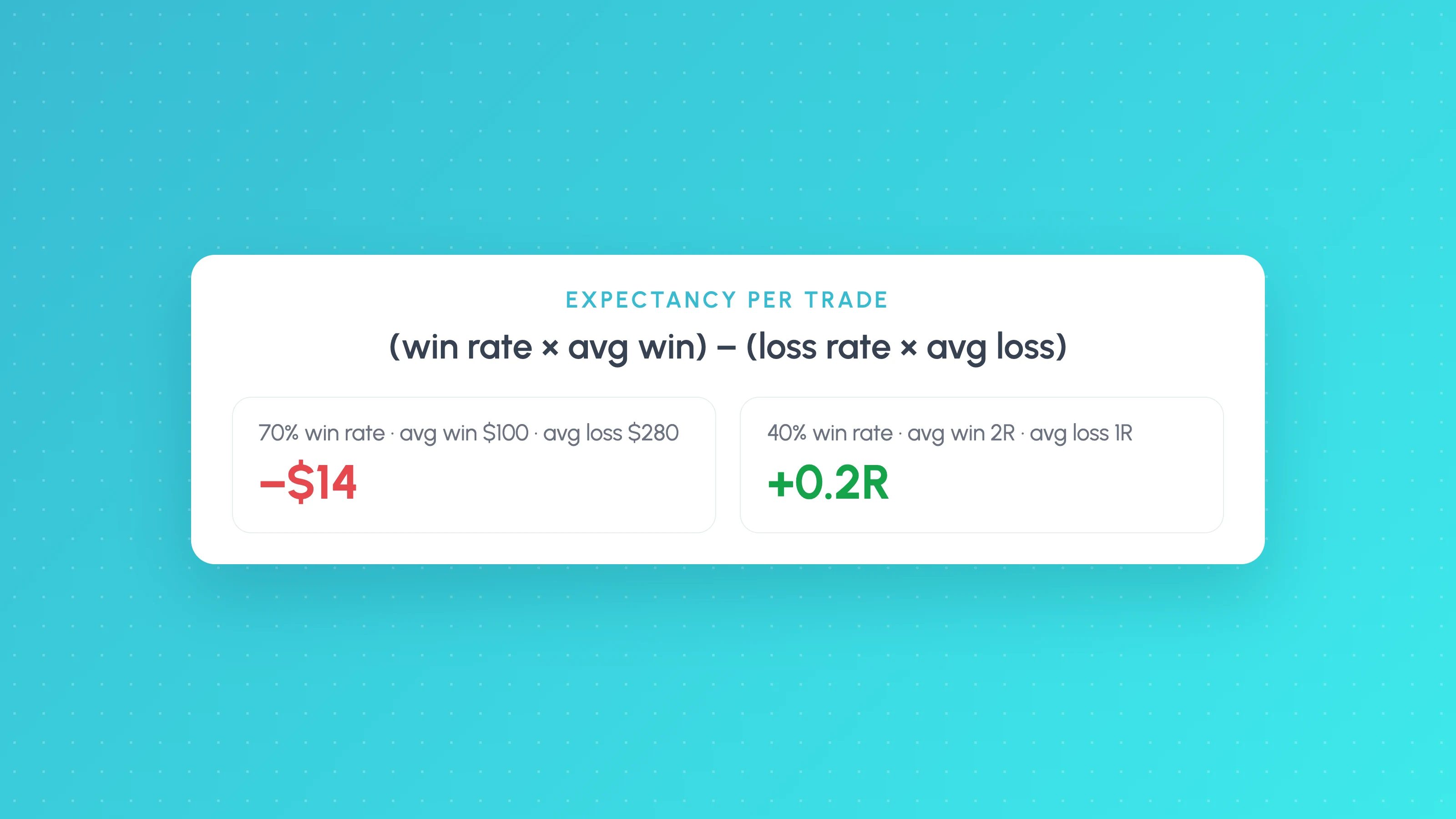
Trading Expectancy Formula: In Currency and R, With Examples
Expectancy = win rate x average win minus loss rate x average loss. Worked examples in currency and R, why 70% win rates lose, and spreadsheet formulas.
 Trading metrics
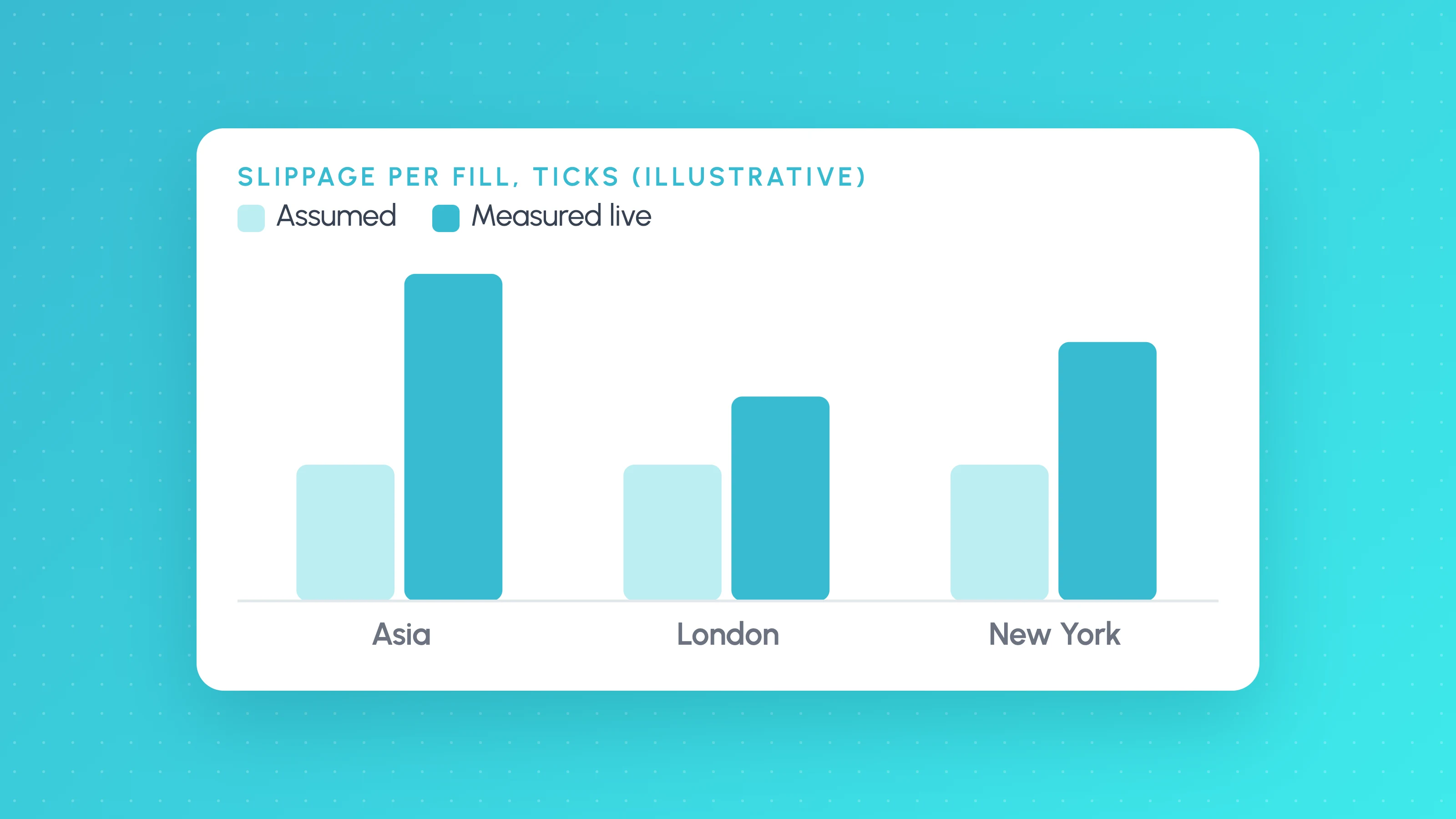
How Much Slippage Should You Assume in a Backtest? (and How to Measure It on Live Fills)
How much slippage in algo trading? Start at 1-2 ticks per side on liquid futures, more for stops and news, then measure real fills to replace the guess.
 TradingView backtests
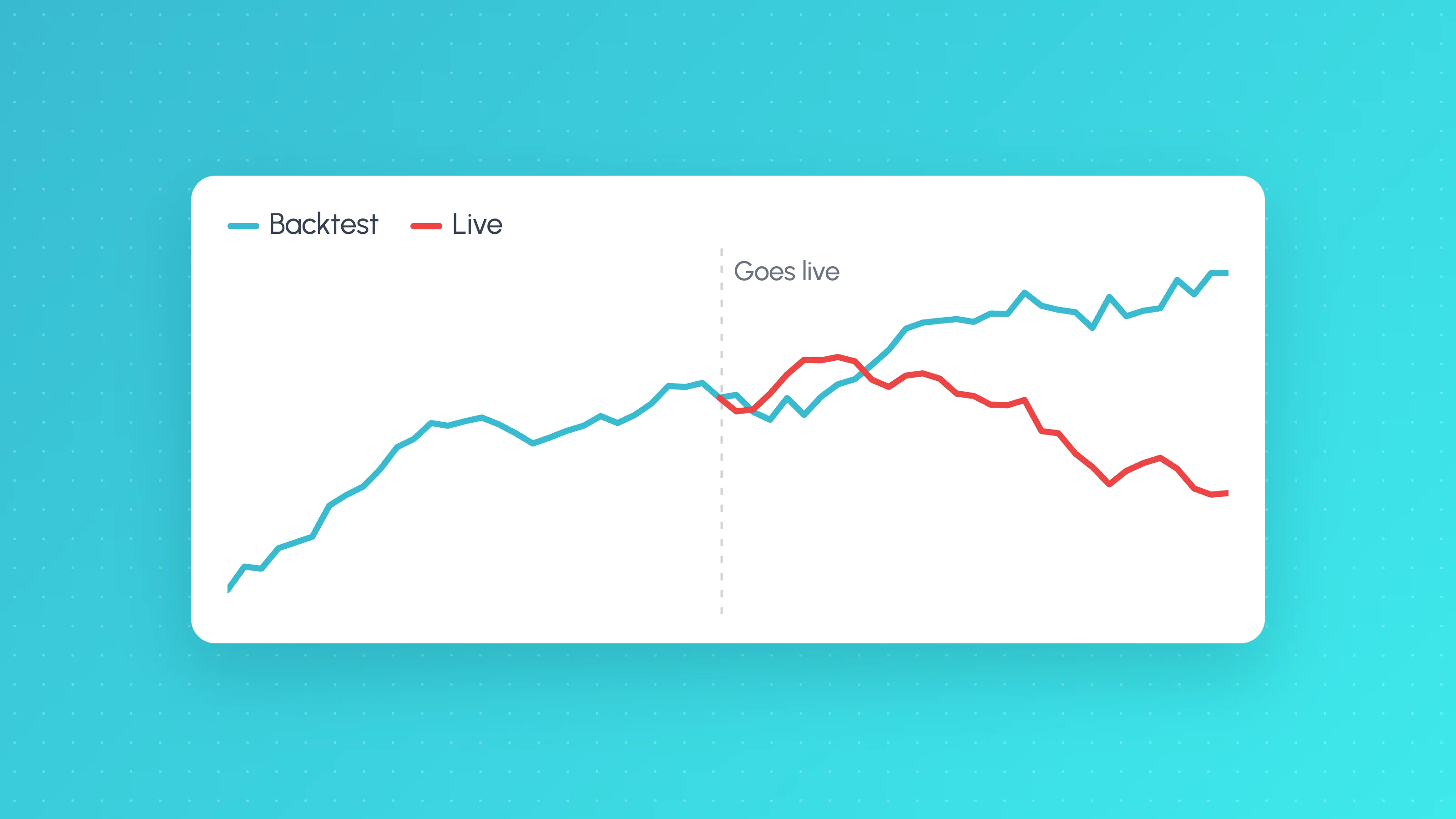
Why Does My Strategy Work in Backtest but Not Live?
Why a TradingView strategy works in backtest but not live: costs, fill assumptions, repainting, gaps, data, alert delays and overfitting, with a check for each.
Other platforms
- cTrader trading journalLive sync and file import · Forex, Futures, Crypto, Stocks
- Hyperliquid trading journalFile import · Crypto
- Interactive Brokers trading journalLive sync and file import · Stocks, Options, Futures, Forex
- MetaTrader 5 trading journalFile import · Forex, Crypto, Indices
- NinjaTrader trading journalFile import · Futures
- OANDA trading journalLive sync and file import · Forex
- Tradovate trading journalFile import · Futures
- All supported platformsIncluding MT4, TradingView and Custom CSV