
Turn your backtested strategy into a trading bot.
Launchpad runs the strategy you built in Strategy Lab, with the same code that produced the backtest. Start on paper with live prices, then approve each trade yourself or let it trade inside the limits you set.
Three modes
Paper first. Then you choose how much it decides.
Recommended first
Paper
Trades every signal on paper with live prices. Nothing is sent to a broker. Fills use the backtest's own spread, slippage, swap and margin, so paper results are comparable.
You decide each trade
Copilot
Every signal waits for you. Approve or reject it in the app or with Telegram buttons, with a chart of the trade attached. Signals expire after a set number of candles.
Trades without asking
Autopilot
Signals go straight to your broker inside the limits you set. Included on every paid plan.
Same code
The bot runs the backtest's own rules, not a translation of them.
Within seconds of every candle closing, Launchpad re-runs the strategy's own rules. A trade the backtest would take becomes a live signal. There's no second version of the logic to drift out of sync.
Break-even moves, trailing stops, partial take-profits, time stops and clock exits from the Lab all run live.
Brokers
Deploy straight to cTrader and Liquid Brokers.
Connect your cTrader account by signing in with cTrader, or your Liquid Brokers account with your Liquid Charts login. Demo and live accounts both work, so you can forward test on a demo before real money.
Paper trading works on any supported market and needs no broker at all.
Launchpad can't trade on MetaTrader, OANDA, IBKR or Binance, and TradingView alerts can't start a bot. You can still journal those accounts in Tessera.
 Liquid BrokersCopilot and Autopilot, stops and targets at the broker, partial closes, stop moves, journal sync and live account figures.
 cTraderCopilot and Autopilot, market orders with stop and target, close and modify, with trades synced to the journal.
Set up
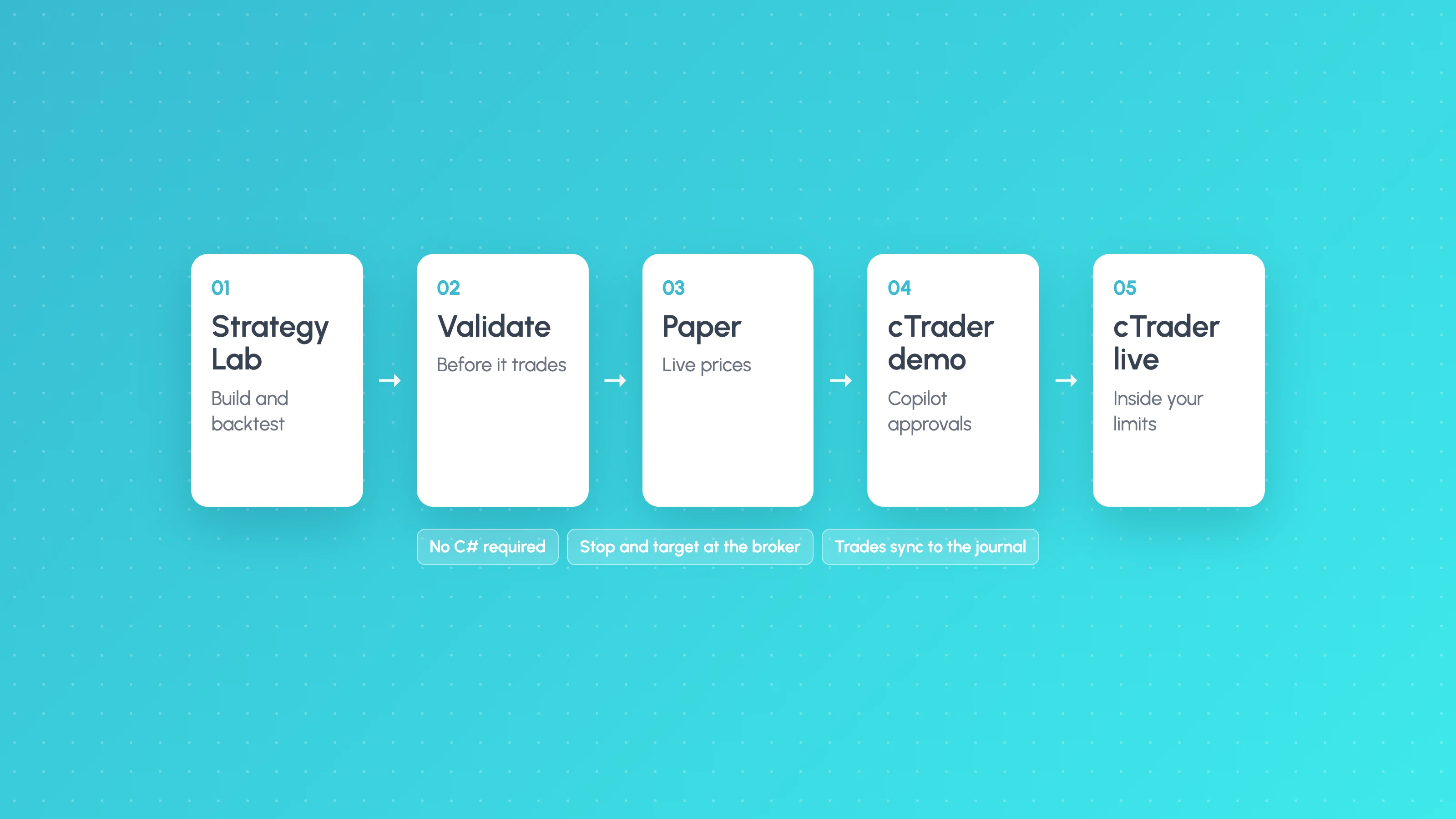
Five steps from backtest to running strategy.
- 1
Strategy
Pick the Strategy Lab strategy and the exact version you backtested.
- 2
How it trades
Paper, Copilot or Autopilot.
- 3
Account
Your cTrader or Liquid Brokers account, for live modes only.
- 4
Risk
% risk per trade (0.5% by default, capped at 5%), maximum size, daily loss limit, maximum trades and trading hours.
- 5
Review
Check every setting. Live trading asks you to accept the risk terms first.
Risk controls
Protected at the broker, checked before every order.
Stops live at the broker
Every live order is a market order with its stop loss and take profit attached at the broker, so the position stays protected if anything upstream stops.
Checked twice
Trading hours, daily limits, maximum open trades and the daily loss limit are checked when the signal fires and again right before the order is sent.
No double orders
An order is never sent twice, and a stale approval is never sent.
Sized to your risk
Risk-based size comes from equity and stop distance, rounded down to the broker's lot step and capped at your maximum.
Pause, stop or kill
Pause new trades, stop and let open trades finish, or close everything at market with the kill switch. Kill all stops every live strategy at once.
Every change logged
Edit settings at any time. Changes apply from the next signal and are written to the strategy's log.
Copilot and Telegram
Approve each trade in the app or on your phone.
In Copilot, every signal waits for you with its entry, stop, target, size and risk, and a chart of the setup. Approve and it goes to your broker. Reject and it never does.
Connect Telegram with one tap and the same approvals reach your phone. Launchpad also sends new signals, Copilot approvals with Approve and Reject buttons and a chart, fills with Close now and Stop to break-even buttons, closes with R and P&L, and a daily summary.
Safety alerts always come through: daily loss limit reached, kill switch used, broker refused an order, broker unreachable or checks running late. Commands like /status, /today, /pause and /kill ask for confirmation before anything trades.
Monitor
Is it trading the way the backtest said it would?
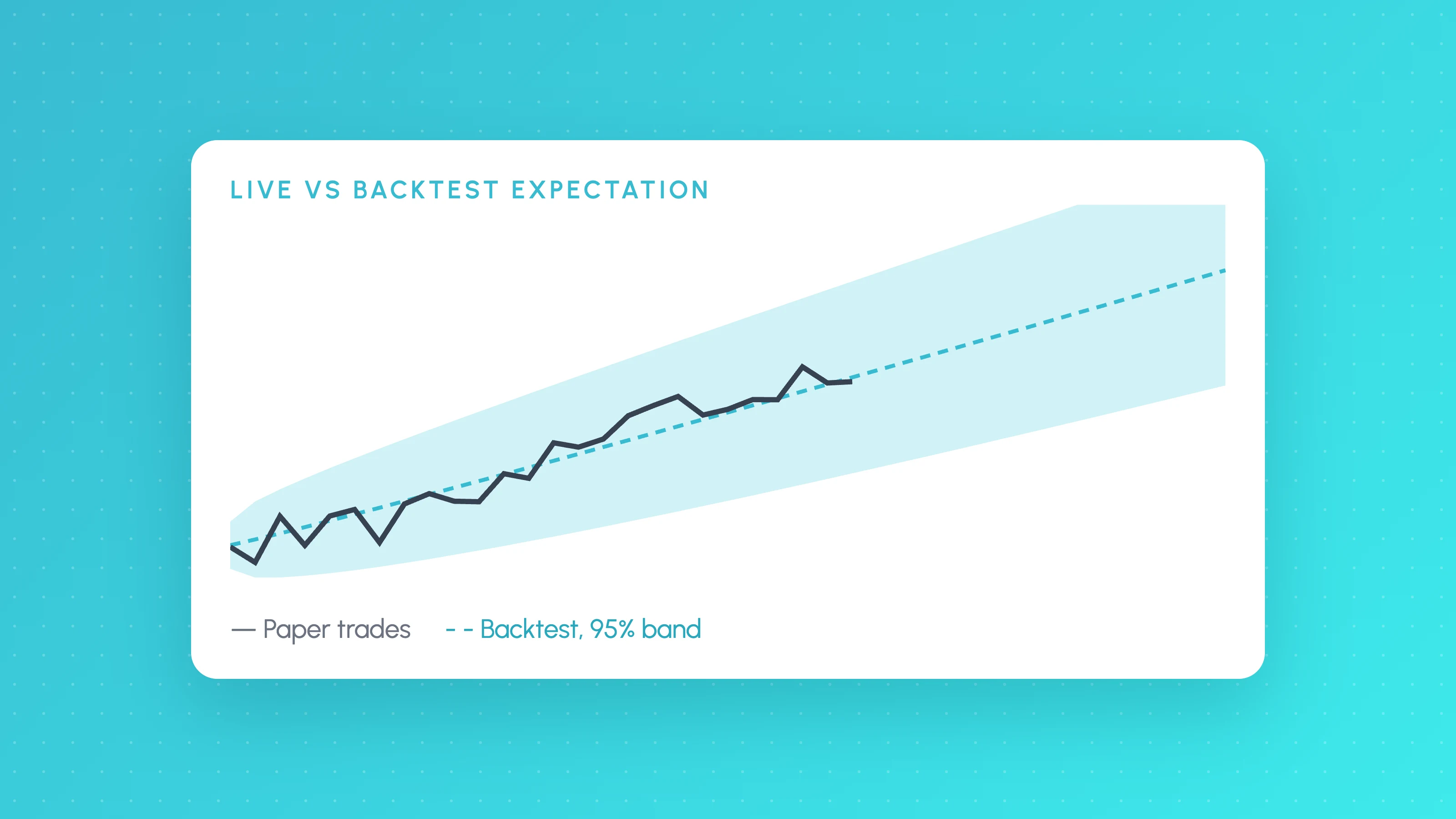
Live versus backtest draws an expectation curve from the backtest with a 95% band around it, and tells you whether live results are within, above or below expectations.
Each strategy shows the live broker account, what it's watching on the chart, a 24-hour uptime strip, how much of each daily limit is used, and a live log of every check, signal, fill and setting change.
Full circle
Every trade comes back to be reviewed.
- The next version goes back to step 02.
 FAQ
Launchpad questions
Learn more
Forward testing, going live on cTrader and keeping live results in line with the backtest.
 Algo trading
8 min read
How Long Should You Paper Trade an Algo Before Going Live?
How long should you paper trade before going live? Count trades, not weeks: compare results with the backtest's expected band, then go demo, then small live.
 Algo trading
10 min read
How to Build a cTrader Trading Bot Without Coding
Build a cTrader trading bot without coding: what cTrader Algo and cBots need, then a no-code route from strategy to backtest, demo account and live trading.
 TradingView backtests
9 min read
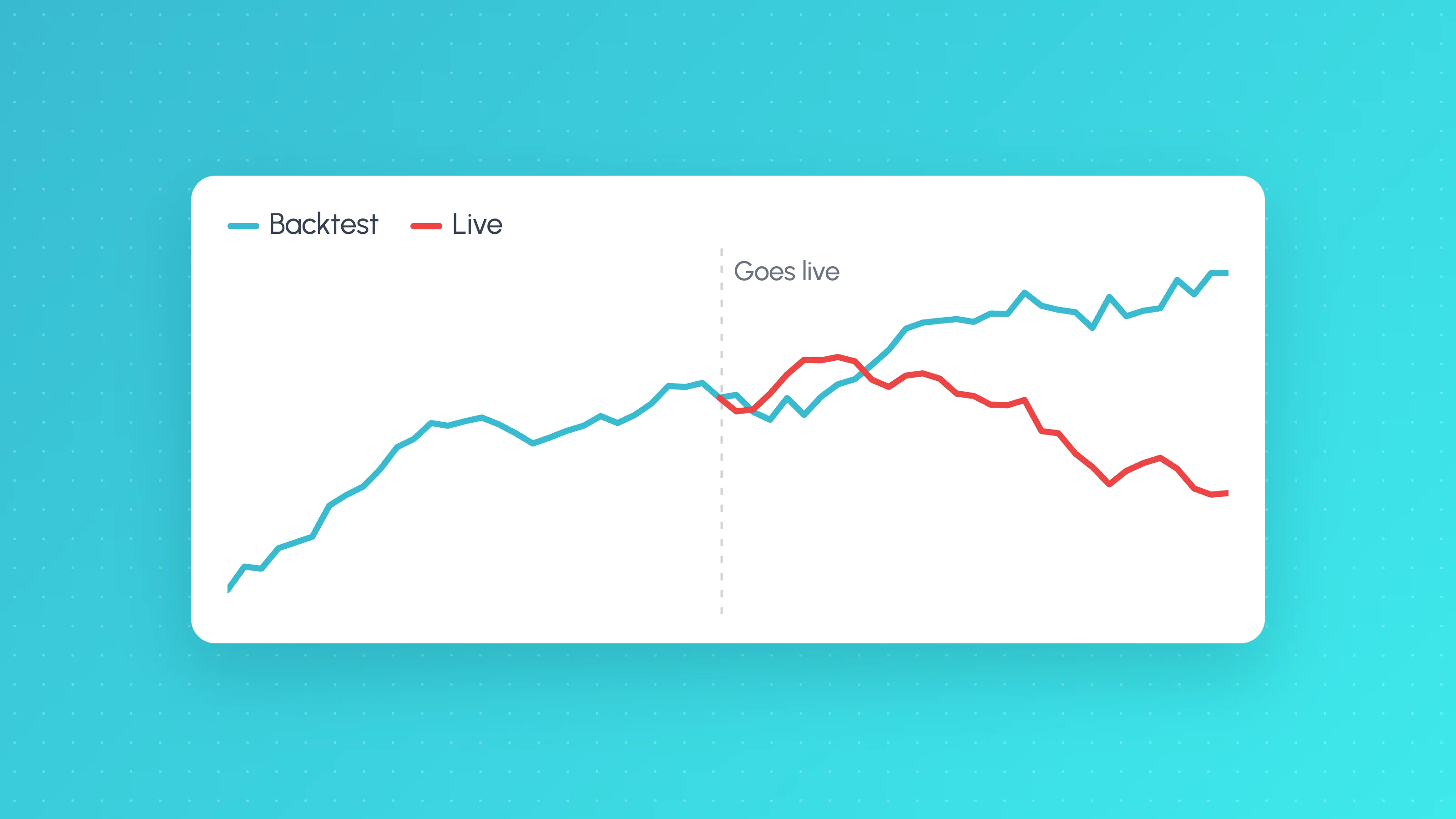
Why Does My Strategy Work in Backtest but Not Live?
Why a TradingView strategy works in backtest but not live: costs, fill assumptions, repainting, gaps, data, alert delays and overfitting, with a check for each.
 AI and Pine Script
8 min read
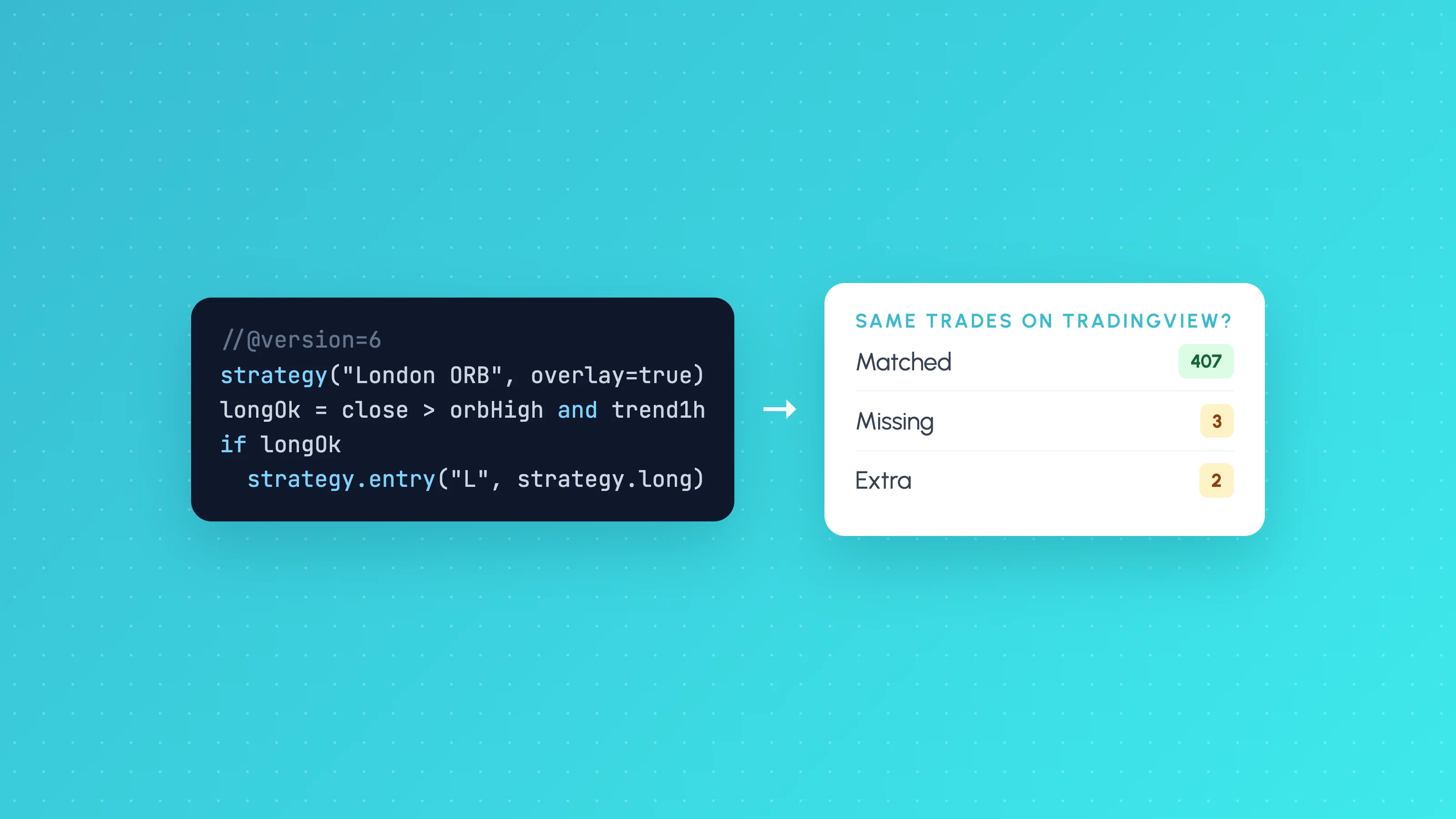
How to Automate a Pine Script Strategy (and Check TradingView Takes the Same Trades)
How to automate a Pine Script strategy: the alert and webhook route, its repainting and fill caveats, and how to check live trades match the backtest.
 Algo trading
9 min read
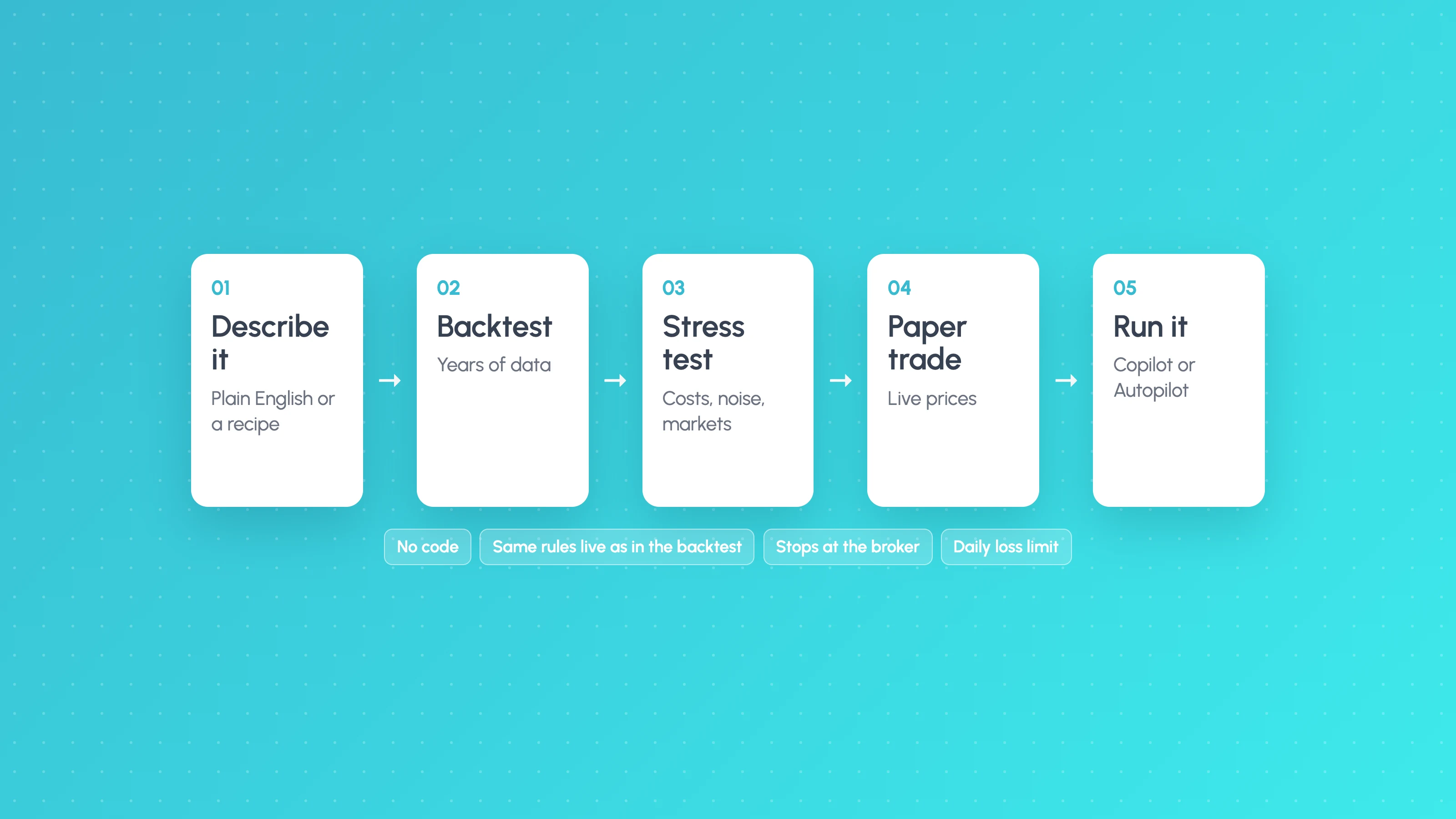
How to Create a Trading Bot Without Coding (and Test It Before It Trades)
How to create a trading bot without coding: compare visual builders, AI builders and TradingView webhooks, then test it with this checklist before it trades.
 Algo trading
8 min read
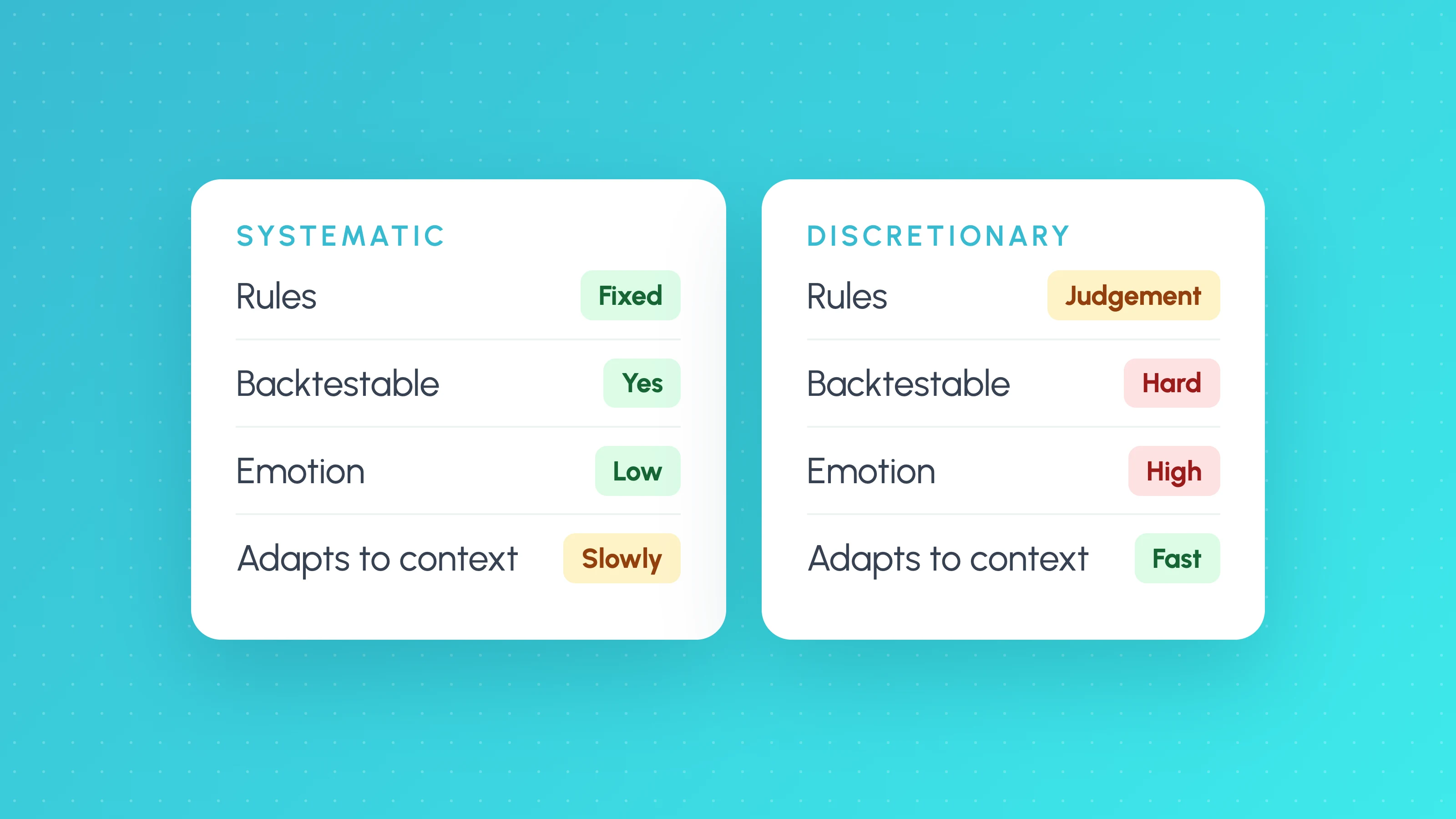
Systematic vs Discretionary Trading: Which Suits You, and the Hybrid Path
Systematic vs discretionary trading compared: speed, testing, emotion and flexibility, how to turn your playbook into testable rules, and the hybrid path.
Your strategy, your settings, your trades: Tessera does not pick or change strategies. Not financial advice. Trading leveraged CFDs and forex is risky and you can lose more than you deposit. Backtest and paper results are not future results. Things can fail, including brokers, data, internet and servers. You are responsible for every order, including those sent in Autopilot.
Build it, test it, then launch it
Start free in Strategy Lab. Launchpad is on Standard, Plus and Pro when your strategy is ready.