
MT5 Report Analyzer
Drop in the report you saved from the MetaTrader 5 Strategy Tester to see net profit, profit factor, expectancy, win rate, drawdown and P/L by hour and weekday. It runs in your browser: the file is not uploaded.
Drop your MT5 Strategy Tester report here
HTML (.htm, .html) or Excel (.xlsx), saved from the Backtest tab. The file is read in this browser and is not uploaded anywhere.
How to save the Strategy Tester report in MT5
- Run your test in the Strategy Tester (Ctrl+R) and wait for it to finish.
- Open the results tab. Recent builds label it Backtest; MetaQuotes' help calls it Results.
- Right-click anywhere in the report and hover over Report.
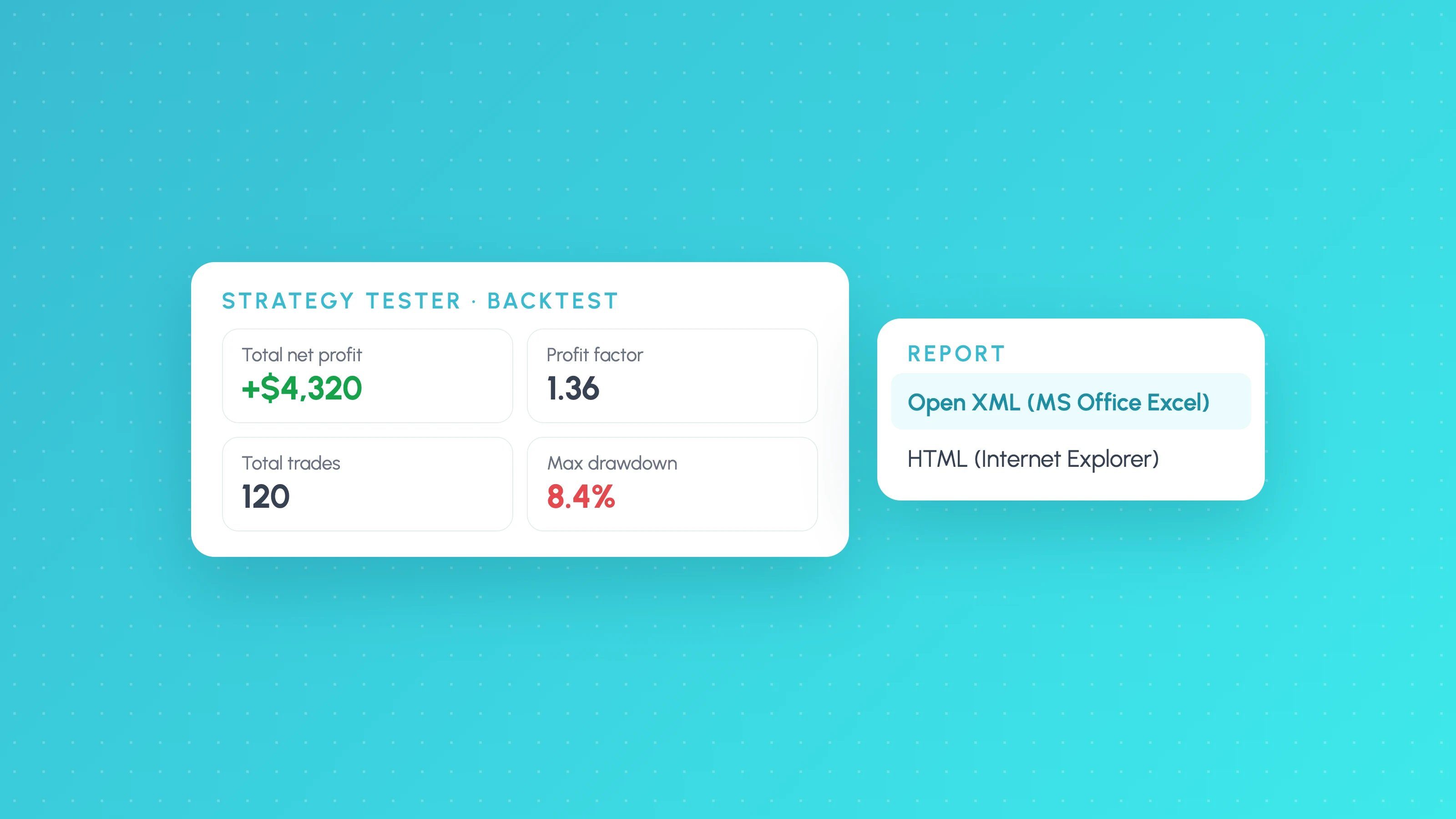
- Choose HTML (Internet Explorer) or Open XML (MS Office Excel), pick a folder and save. Either file works here.
Menu labels have shifted between MT5 builds, so yours may read slightly differently. Our guide to exporting the MT5 Strategy Tester report has the details, including saving reports automatically from a configuration file.
How the analyser reads the report
MT5 saves the HTML report as UTF-16 text, which many scripts read as garbage. The analyser detects the encoding, finds the Deals table (Time, Deal, Symbol, Type, Direction, Volume, Price, Order, Commission, Swap, Profit, Balance, Comment) and rebuilds trades from it:
- Deals with direction in open a position; out deals close it. Profit sits on the out deal.
- Each trade's result is profit + swap + commission, including the commission charged on its entry deal.
- Entries and exits are paired first in, first out per symbol, which gives each trade its entry time for the hour and weekday breakdown.
- Balance deals (the initial deposit) set the starting balance and are not counted as trades.
The headline numbers then use the standard formulas:
Profit factor = Gross profit / Gross loss
Expectancy    = Net profit / Number of trades
Win rate      = Winning trades / All trades
Max drawdown  = Largest fall in balance from a peak to a later low
Drawdown here is measured on the balance after each closed trade. The report's own equity drawdown also includes floating losses on open positions, so it is usually larger; the analyser shows it alongside when the report includes it.
How to read an MT5 backtest report
The summary block at the top of the report holds the totals. The ones that matter most, and what to check in each:
- Total Net Profit is after commission and swap. Check the test used realistic spread and commission settings first.
- Profit Factor is gross profit divided by gross loss. Above 3 on a large sample is more often a modelling problem than an edge; see what counts as a good profit factor.
- Expected Payoff is the average result per trade, the same thing as trading expectancy in currency.
- Balance and Equity Drawdown come in three forms: Absolute (below the initial deposit), Maximal (largest peak-to-trough fall in money) and Relative (the same in percent). Equity drawdown is the one that shows how deep an EA sits in open losses.
- Total Trades vs Total Deals. A deal is one execution (in, out or in/out). Counting deals as trades doubles the trade count and halves the average.
None of those totals tells you when the strategy makes or loses money. That is what the hour and weekday charts above are for: a strategy that is profitable overall can still lose steadily in one part of the day. Before you act on any bar, check how many trades sit behind it; our guide to backtest sample size covers how many is enough.
What this tool doesn't do
- It reads English-language reports only, and MT4 reports may not parse.
- On hedging accounts with several positions open on one symbol at once, first-in-first-out pairing can match an exit to the wrong entry, which shifts entry times (not the P/L totals).
- It has no price data, so it can't break results down by volatility or market regime.
 FAQs
Questions about the mt5 report analyzer
Guides behind the maths
 Platforms and exports
10 min read
MT5 Strategy Tester Report Export: Excel, HTML and EA Analysis
Save your MT5 Strategy Tester report as Excel or HTML, understand deals, orders and positions, and break EA backtest results down by session and volatility.
 TradingView backtests
10 min read
Is My Backtest Overfit? A Practical Checklist for Traders
How to tell if a backtest is overfit: too-good metrics, thin samples, fragile inputs, useless filters, out-of-sample and walk-forward tests, plus a checklist.
 TradingView backtests
7 min read
How Many Trades Do You Need for a Valid Backtest?
How many trades a backtest needs: rules of thumb, the t-statistic formula with a worked example, a table by edge size, per-bucket minimums and multiple testing.