

IBKR Trading Journal: Sync Interactive Brokers With a Flex Query
To get Interactive Brokers trades into Tessera, create an Activity Flex Query in IBKR's Client Portal with the Trades section at Executions level, then either connect it through the Flex Web Service (a token plus the query ID) for live sync, or run it and upload the Flex Trades CSV. Tessera reads every execution, builds the trades and shows expectancy, profit factor and drawdown, broken down by session, weekday, time of day and volatility.
The Flex Query is a one-time setup, and the same query works for both sync and CSV. The two settings that matter are Executions level of detail and a time format that includes the timezone.
Checked against the Tessera help centre · Updated
- Live sync
- Flex Web Service
- File import
- Flex Trades CSV
- Markets
- Stocks, Options, Futures, Forex
- Good to know
- Around a year of history per query. Older history needs additional exports.
How to set up an IBKR Flex Query for a trading journal
These are the steps from the Tessera help centre, as of November 2026.
Create the Activity Flex Query (once)
- In IBKR Client Portal, go to Performance & Reports, then Flex Queries (or Menu, then Reporting, then Flex Queries).
- Create an Activity Flex Query. Give it a name you will recognise, such as "Tessera".
- Under sections, include Trades and set the Level of Detail to Executions, not a coarser roll-up.
- Under General Configuration, set the date format to
yyyyMMdd, the time format toHHmmss TimeZoneand the date/time separator to a semi-colon (the usual Flex default). - Turn on column headers if the portal offers it.
- Save the query and note its Query ID from the query info panel.
The time format is the setting people most often miss. Tessera needs a timezone label on every timestamp (EST, EDT, UTC or an offset) and rejects the statement without one.
Connect with the Flex Web Service (live sync)
- On the Flex Queries page, open Flex Web Service Configuration (the gear icon).
- Enable the Flex Web Service and generate a token. Choose a sensible expiry and copy the token straight away, then store it somewhere safe.
- In Tessera, choose IBKR Flex, paste the token and the Query ID, and connect.
- Run Sync. Tessera pulls the statement for that query, typically up to about 365 days of history.
If sync fails with a timezone error, edit the query so the time format is HHmmss TimeZone, run it again and re-sync.
Or upload a Flex Trades CSV
- In Flex Queries, run the same Activity Flex Query with a date range of up to about one year and CSV as the format, then download it.
- In Tessera, choose IBKR Flex, then CSV import, and upload the file. The account comes from ClientAccountID in the file.
- For longer history, repeat with non-overlapping windows, for example one file per year.
Do not upload a Client Portal Transaction History CSV. It does not have the execution detail Tessera needs, and Tessera will reject it.
What Tessera reads from the Flex report
- Executions from the Trades section: symbol, side, quantity, price and time with its timezone.
- ClientAccountID, which sets the account in Tessera, so there is no separate account field on import.
- Stocks, options, futures and forex executions, which are matched to Tessera's instrument registry so trades line up with the right candles.
Cash transfers, dividends and FX conversions are not brought into Tessera's transfer ledger.
What you can analyse
- Core statistics: win rate, expectancy, profit factor, average win and loss, and drawdown, for the account or any slice of it.
- Session and time of day. P&L by session and hour: the US cash open, the lunch lull, the close, and for futures and forex, the overnight hours.
- Weekday. Whether particular days consistently cost you, with the sample size behind each figure.
- Volatility and market regime. Trades grouped by conditions at entry, using historical candles.
- MAE and MFE. How far each trade went against and in favour of you, where candle data covers the instrument and period.
- Live versus backtest. If you run an API strategy at IBKR, compare its live executions with the backtest to see where fills and costs differ. See slippage in algo trading.
- Rule simulator. Replay the trades you took on real candles with a filter or a different exit, before you change your code.
Limitations
- About a year per query. Each Flex query or CSV covers roughly 365 calendar days. Older history needs extra CSV files.
- Timezone required. Timestamps without a timezone label are rejected.
- Same-day lag. Same-day trades can be late to appear in Flex reports. Sync again later if today's trades are missing.
- Sync is on request. Tessera pulls the Flex statement when you sync.
- Trading P&L only. Portfolio growth shows cumulative trading P&L. Deposits, dividends and FX conversions are not included.
- Plan. The Free plan imports the last 30 days of trades for one broker account into the trade log. Full history, statistics, reports and the simulator need a paid plan, from $39 a month. The free Entry Analysis report needs no paid plan.
Switching from TradeZella, TraderSync or Edgewonk
If another journal already reads your IBKR account through a Flex Query, you may be able to reuse it, as long as it uses Executions detail and the HHmmss TimeZone time format. Check those two settings, create a Flex Web Service token and connect it to Tessera. For history before the sync window, upload one Flex Trades CSV per year.
What changes is the analysis. Tessera is built for systematic and API traders: results by market condition and time, and a simulator for testing a rule change on the trades you already took. Read the full comparisons: TradeZella alternative, TraderSync alternative and Edgewonk alternative.
Frequently asked questions
- What is an IBKR Flex Query?
- A Flex Query is a custom report you define in IBKR's Client Portal, choosing which sections and fields it includes. For a trading journal, you want an Activity Flex Query with the Trades section at Executions detail. You can run it by hand as a CSV or let a journal fetch it with a Flex Web Service token.
- Does Tessera sync with Interactive Brokers?
- Yes, through the Flex Web Service. You paste a Flex token and your Query ID into Tessera and run a sync whenever you want the latest trades.
- Why does Tessera reject my IBKR file?
- The two usual causes are the wrong report (a Transaction History download instead of a Flex Trades report at Executions detail) and a time format without a timezone. Fix the Flex Query settings and run it again.
- How much IBKR history can I import?
- Each query or file covers about a year. Upload one Flex Trades CSV per year, in non-overlapping windows, for anything older.
- Can I analyse an IBKR trading bot or AI agent?
- Yes. Trades placed through the API come through the Flex report like any other execution. Our tracker of brokers that let AI agents trade covers IBKR's rules.
Related guides
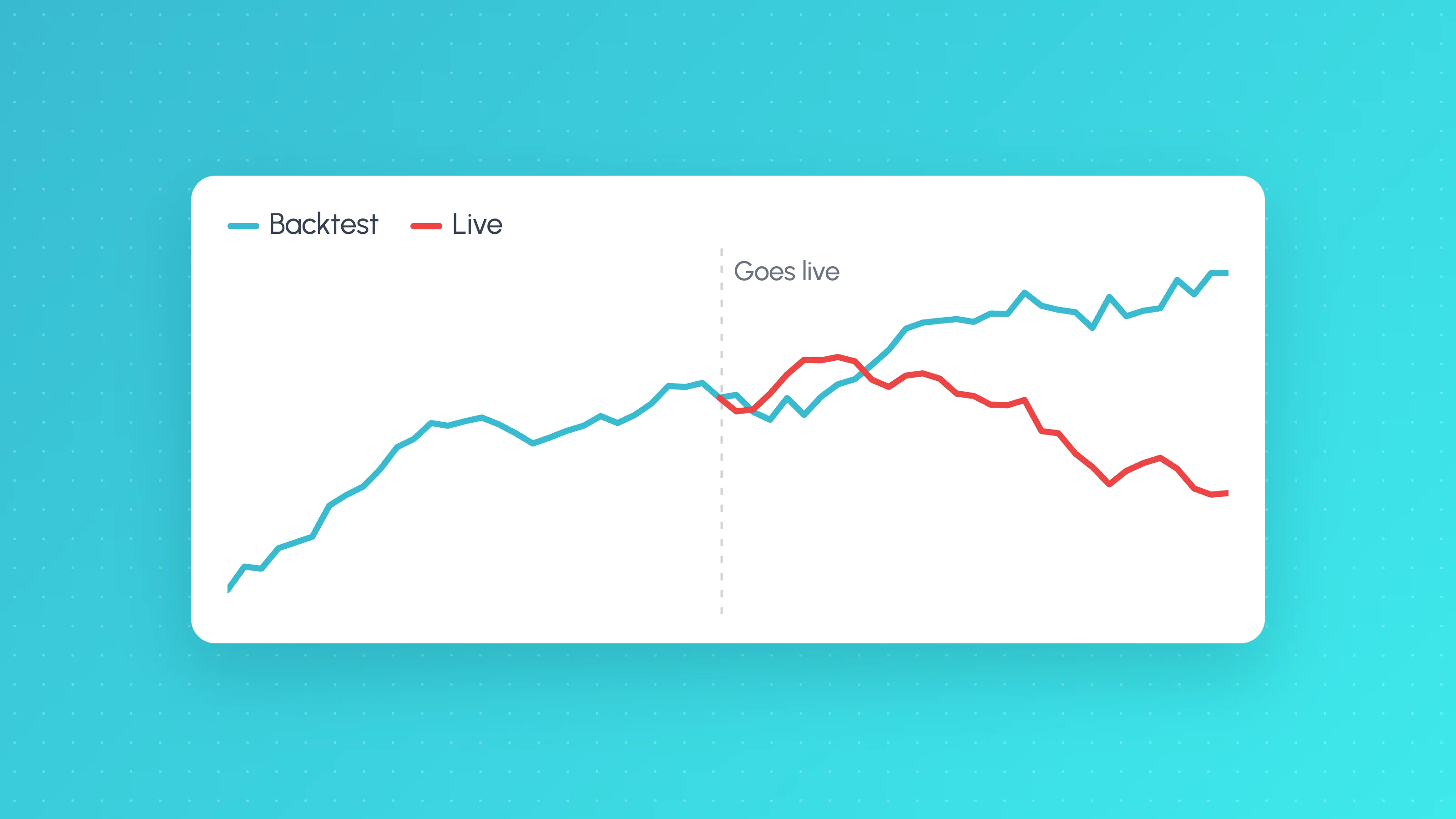 TradingView backtests
Why Does My Strategy Work in Backtest but Not Live?
Why a TradingView strategy works in backtest but not live: costs, fill assumptions, repainting, gaps, data, alert delays and overfitting, with a check for each.
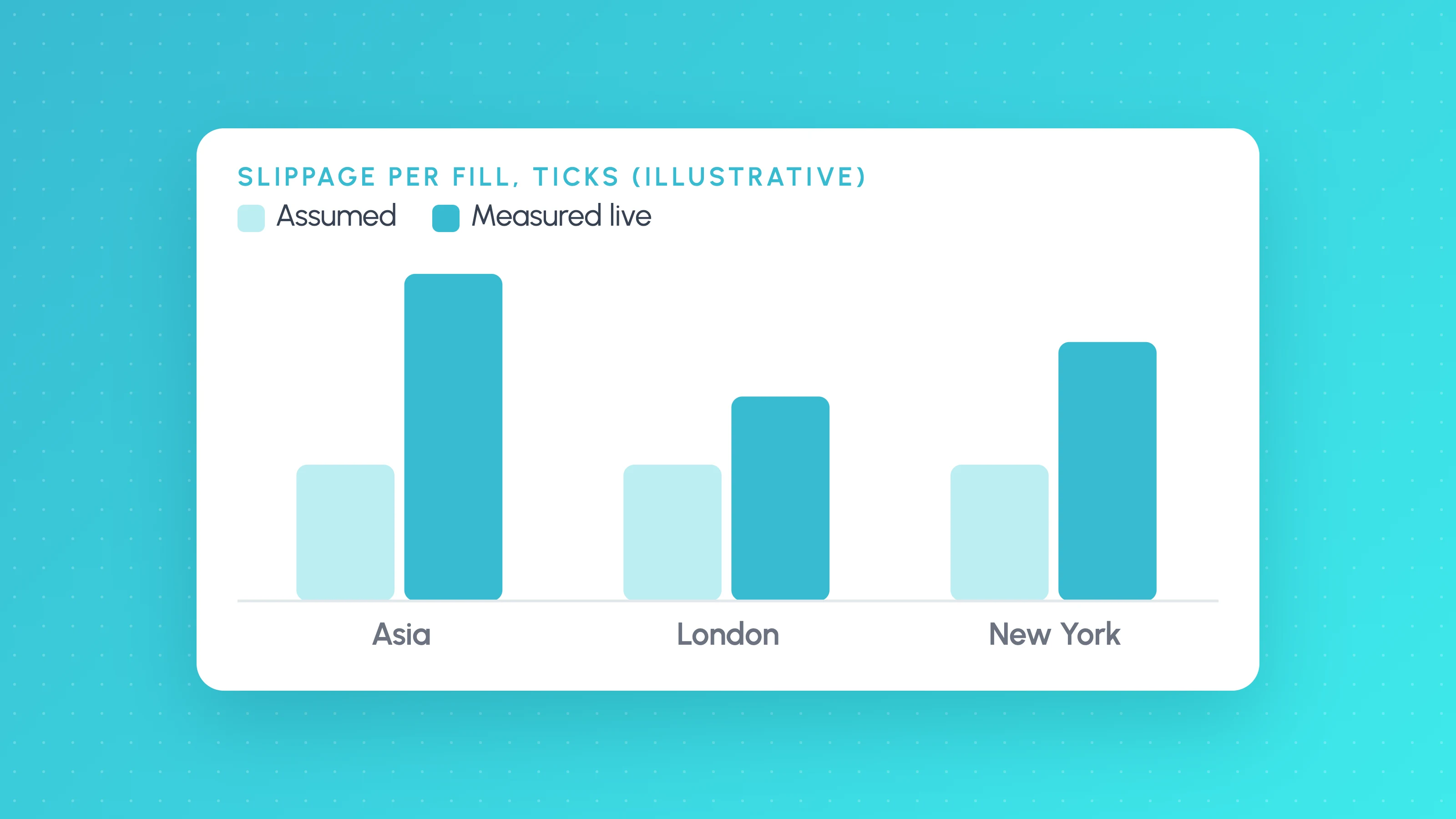 Trading metrics
How Much Slippage Should You Assume in a Backtest? (and How to Measure It on Live Fills)
How much slippage in algo trading? Start at 1-2 ticks per side on liquid futures, more for stops and news, then measure real fills to replace the guess.
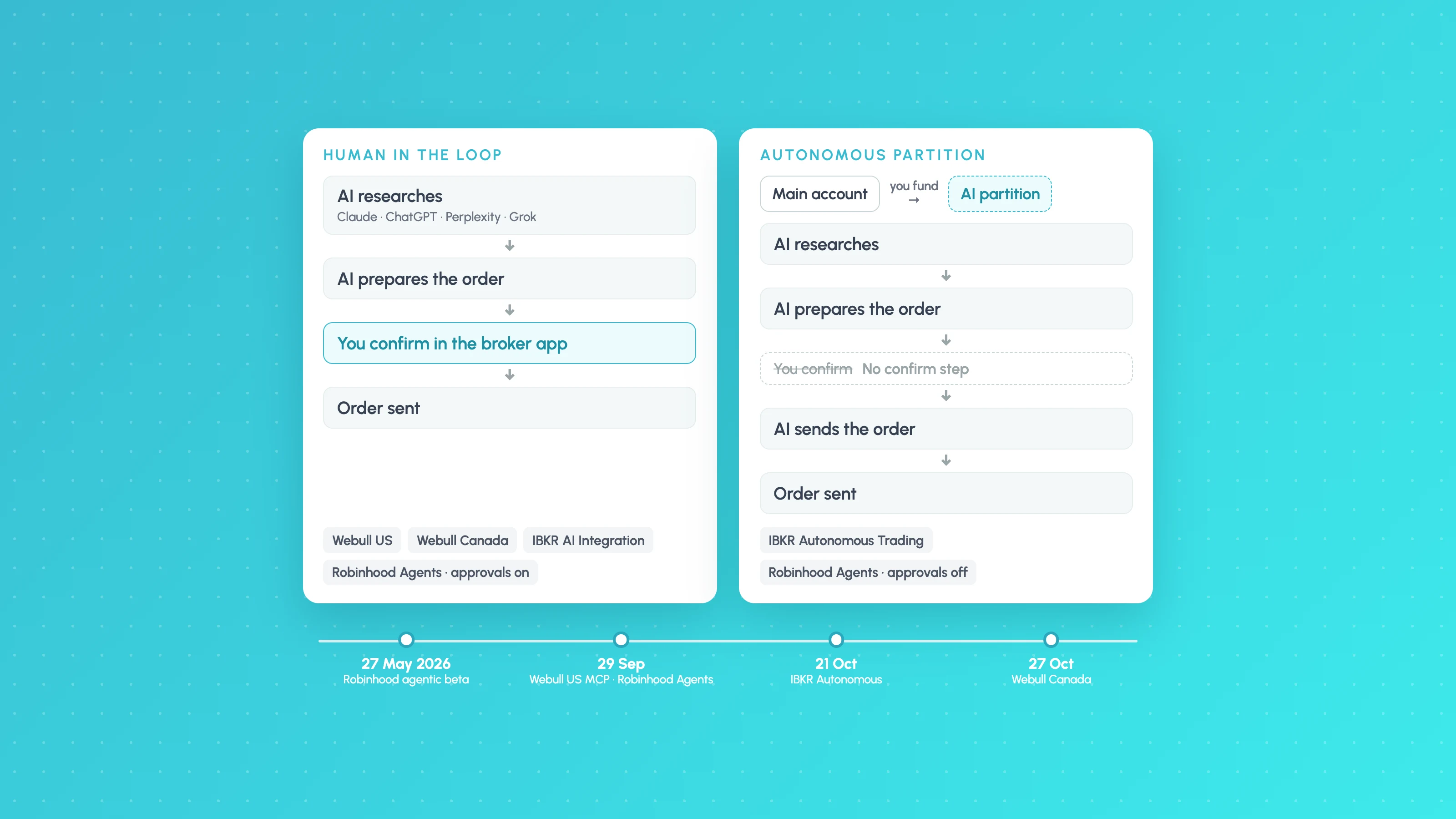 Algo trading
Which Brokers Let Claude or ChatGPT Trade for You? (November 2026 Tracker)
Which AI trading agent broker lets Claude or ChatGPT trade? As of November 2026, IBKR and Robinhood allow autonomous orders; Webull needs you to confirm each.
Other platforms
- Binance trading journalLive sync and file import · Crypto
- cTrader trading journalLive sync and file import · Forex, Futures, Crypto, Stocks
- Hyperliquid trading journalFile import · Crypto
- MetaTrader 5 trading journalFile import · Forex, Crypto, Indices
- NinjaTrader trading journalFile import · Futures
- OANDA trading journalLive sync and file import · Forex
- Tradovate trading journalFile import · Futures
- All supported platformsIncluding MT4, TradingView and Custom CSV