

Claude for Pine Script: Write, Debug and Test TradingView Strategies
How to use Claude to write and debug Pine Script v6 strategies: prompts that work, a rules file for Claude Code, fixing compiler errors and testing the result.
By Tessera Trades · Updated · 6 min read
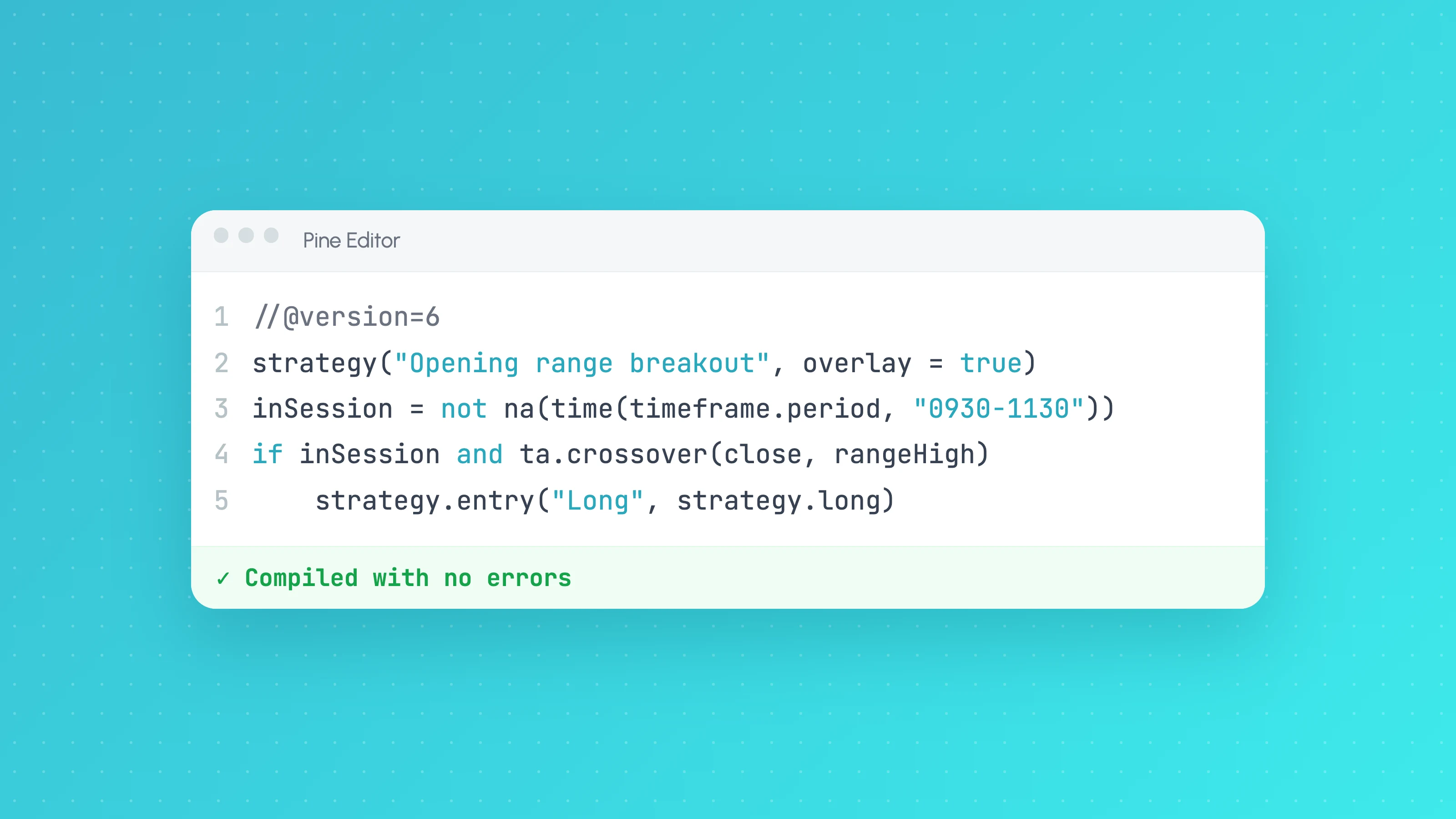
Claude writes good Pine Script when you tell it exactly what you want: the Pine version, whether it's a strategy or an indicator, the entry and exit rules in plain English, and the backtest settings. Ask for //@version=6, describe one rule per line, paste any compiler error back verbatim, and treat the first backtest as something to check, not something to trust.
This guide covers the prompts and setup that get compiling, readable strategies on the first or second try, how to run the edit-compile loop faster with Claude Code, and what to check before you believe the equity curve.
Start with a precise prompt
Vague prompts get vague strategies, and Claude fills the gaps with its own assumptions. Spell out everything a developer would ask you:
Write a Pine Script version 6 strategy (not an indicator) for TradingView.

Market and timeframe: ES1! on the 5-minute chart, exchange timezone.
Entry (long only): the 9 EMA crosses above the 21 EMA, and close is above the 200 EMA.
Only take entries between 09:30 and 11:30 New York time, Monday to Friday.
Exit: stop at 1.5 x ATR(14) below entry, target at 2 x ATR(14) above entry, set once at entry.
One position at a time, no pyramiding.
Backtest settings: initial capital 10000, 1 contract per trade,
commission 2.50 per contract per side, slippage 1 tick.
Make every number an input with a clear label. Comment each block in one line.
Do not use request.security or any future data.
That last line matters. Lookahead from higher-timeframe data is one of the easiest ways to get a backtest that looks great and can't be traded.
Tell Claude the rules once with a rules file
If you use Claude Code (or a Claude Project), put your standing Pine Script conventions in a file so you don't repeat them in every prompt. In Claude Code that's a CLAUDE.md in your project folder. For example:
# Pine Script conventions
- Always //@version=6. Use ta., math., request., input., str. namespaces.
- strategy() must set initial_capital, default_qty_type, default_qty_value,
  commission_type, commission_value, slippage and pyramiding explicitly.
- strategy.exit: stop and limit are prices; loss and profit are ticks. Say which you use.
- Never use lookahead_on without offsetting the series by one bar.
- Gate entries with time and session filters; never gate exits.
- Every magic number becomes an input with a label and a sensible step.
- After writing code, list each input and explain what it does in one line.
Claude reads this at the start of each session, so every strategy comes back in the same shape. That makes them easier to review and compare.
The debug loop: paste the error, not a description
Pine Script compiles inside TradingView, not on your computer, so the basic loop is:
- Paste Claude's code into the Pine Editor and add it to the chart.
- If it fails, copy the full compiler error, including the line number, and paste it back to Claude with the line of code it points at.
- Ask for the smallest change that fixes it, not a rewrite.
The errors Claude produces most often are version mix-ups: functions without their namespace (rsi() instead of ta.rsi()), old names such as study() or security() from earlier Pine versions, or type errors where a series is passed where a simple value is required. Pasting the exact message usually fixes these in one round.
If you work in Claude Code a lot, a community bridge can shorten the loop by compiling in TradingView Desktop and reading errors back automatically. It relies on undocumented internal TradingView APIs, so read the trade-offs in TradingView MCP server: what it can and can't do first. TradingView's official MCP server doesn't touch Pine Script at all.
Ask Claude to review its own code for backtest traps
Once it compiles, ask a second, separate question:
Review this strategy for anything that would make the backtest look better
than live trading would be: lookahead, repainting, signals that use the current
bar's high or low to enter at an earlier price, stops in the wrong units,
missing commission or slippage, or exits that are blocked by the time filter.
List each issue with the line number. Do not rewrite the script.
A fresh review prompt catches mistakes the writing prompt missed, because Claude is now looking for problems instead of trying to produce a working script. You still need to read the code yourself, but this narrows where to look.
Make Claude explain every filter
Strategies written over many rounds of "make it more profitable" pick up filters that exist only because they improved the backtest. Before you keep any filter, ask:
- Why would this condition matter in the market, not just in this backtest?
- What happens to the results if we remove it?
- How many trades does it remove, and were they mostly winners or losers?
If the honest answer to the first question is "because the curve looked better", the filter is probably fitted to noise. How to tell if your backtest is overfit covers this in depth.
Useful jobs for Claude besides writing strategies
- Convert an indicator into a strategy. Paste the indicator and ask for a strategy version with explicit entries, exits and backtest settings.
- Upgrade old scripts. Ask it to migrate a version 4 or 5 script to version 6 and list every behaviour change it made.
- Add filters cleanly. Session, weekday and volatility filters that gate entries only. See session and time filters in Pine Script for patterns to ask for.
- Explain someone else's script. Paste a public script and ask what each block does and what it assumes.
- Write the analysis, not just the strategy. In Claude Code, ask for a small script that reads your Strategy Tester export and summarises results by session and weekday.
Then test it properly
A strategy that compiles and shows a rising equity curve has passed the easiest test. Before you trade it:
- Set realistic commission and slippage (Claude will default to whatever you tell it, or to nothing).
- Check there are enough trades to mean anything.
- Keep a stretch of history the strategy was never tuned on and run it once at the end.
- Break the results down by session, weekday, time of day and volatility to find where it loses.
- Test any fix on the trades the strategy already took before you add it to the script.
The full checklist is in How to test a strategy ChatGPT or Claude wrote. For step 4, upload the Strategy Tester export to a free Entry Analysis report. For step 5, Tessera's Strategies page shows how tested rules are written back into a copy of your Pine Script to re-backtest.
Once it holds up, how to automate a Pine Script strategy covers the routes to running it live and checking TradingView takes the same trades. For common filters you can also skip the prompt: Tessera's Strategy Lab builds a sessions filter (Sydney, Tokyo, London, New York and their overlaps) without code and exports the recipe to Pine Script v6 on paid plans.
Frequently asked questions
- Can Claude write Pine Script?
- Yes. Claude writes Pine Script version 6 strategies and indicators that usually compile on the first or second attempt, especially when you ask for version 6 explicitly and paste any compiler errors back exactly as TradingView shows them.
- Is Claude or ChatGPT better for Pine Script?
- Both can write working Pine Script, and results depend more on the prompt and the review process than on the model. What matters is giving precise rules, insisting on version 6, and checking the output for lookahead and unrealistic backtest settings.
- Can Claude run my Pine Script in TradingView?
- Not through TradingView's official MCP server, which has no Pine Script tools. Community bridges for Claude Code can compile and run scripts in TradingView Desktop, but they use undocumented internal APIs and aren't supported by TradingView.
- Why does Claude's Pine Script give compile errors?
- The usual causes are mixing syntax from older Pine versions (missing
ta.namespaces,study()instead ofindicator()) and type errors between series and simple values. Ask for version 6 and paste the exact error with its line number. - How do I know if a Claude-written strategy actually works?
- Check the code for lookahead, set realistic costs, make sure there are enough trades, test on a period it wasn't tuned on, and break results down by market condition. A strategy that only works with one exact set of inputs is probably overfit.
Keep reading
 AI and Pine Script
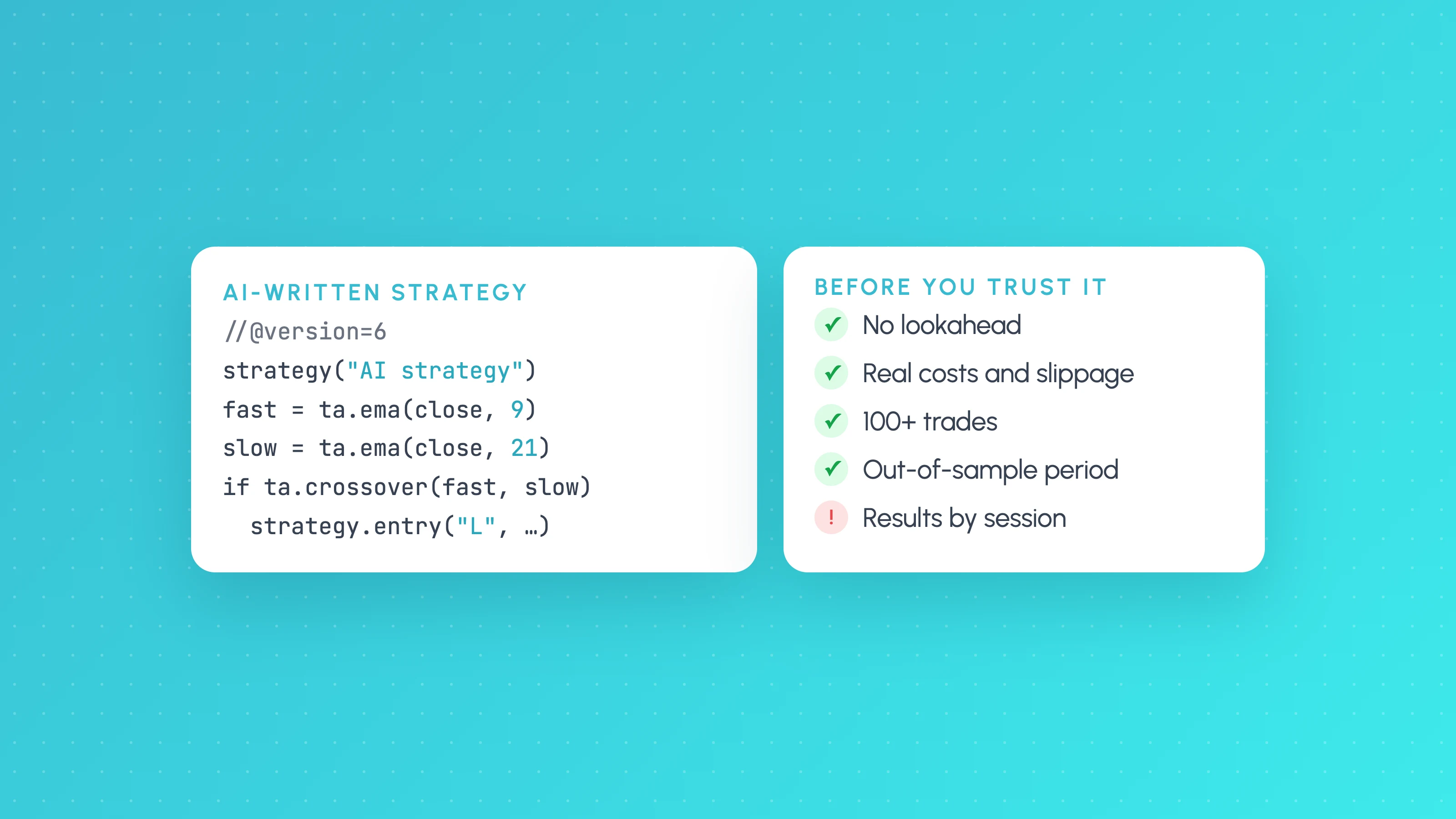
How to Test a Trading Strategy ChatGPT or Claude Wrote
A step-by-step way to check an AI-written Pine Script strategy: catch lookahead and repainting, set realistic costs, test out of sample and by market condition.
 AI and Pine Script
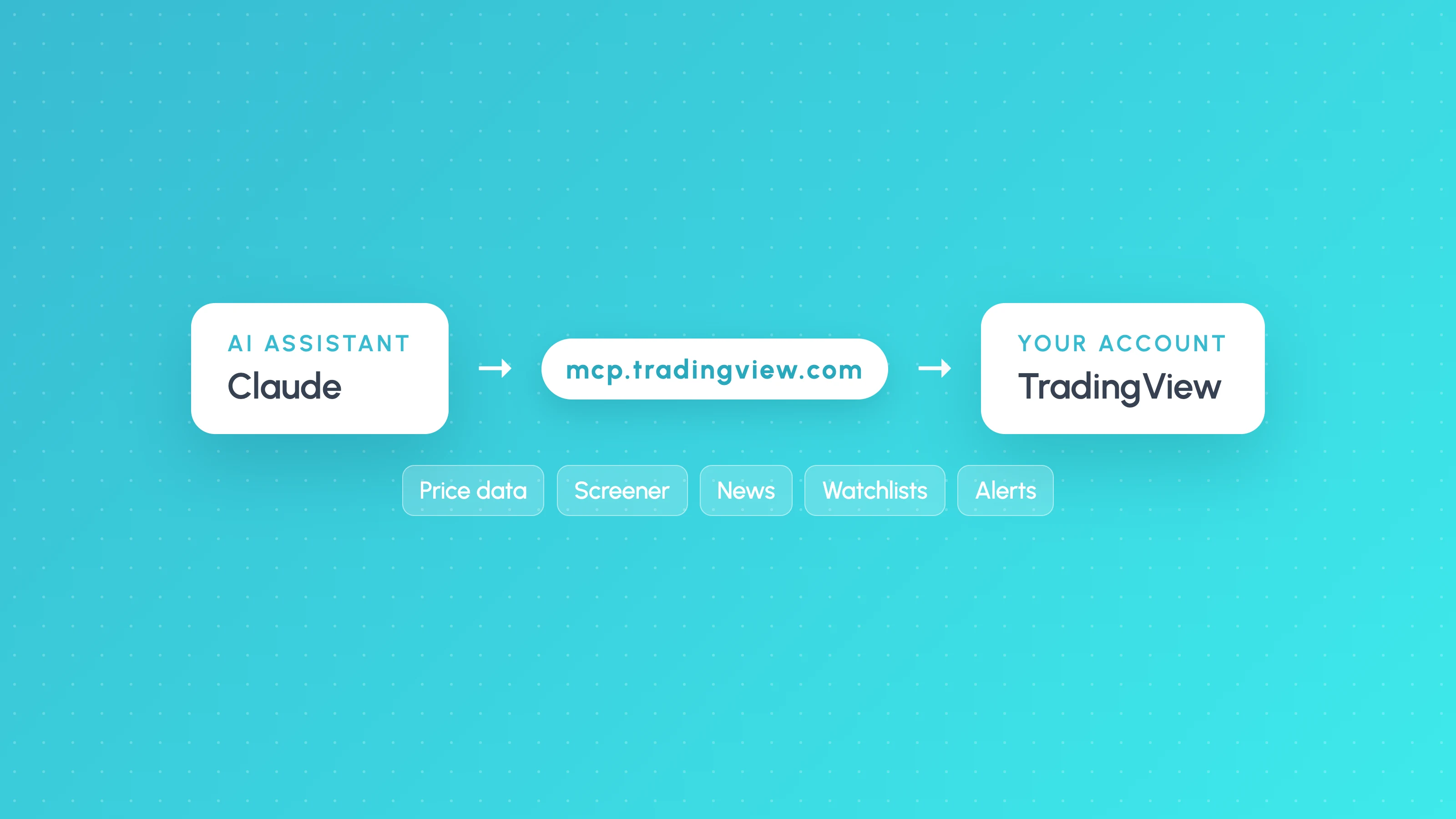
How to Connect Claude to TradingView (Official MCP Server, 2026)
Connect Claude to TradingView with the official MCP server: setup for Claude, Claude Code and ChatGPT, what it can do, and what it can't do for strategy testing.
 AI and Pine Script
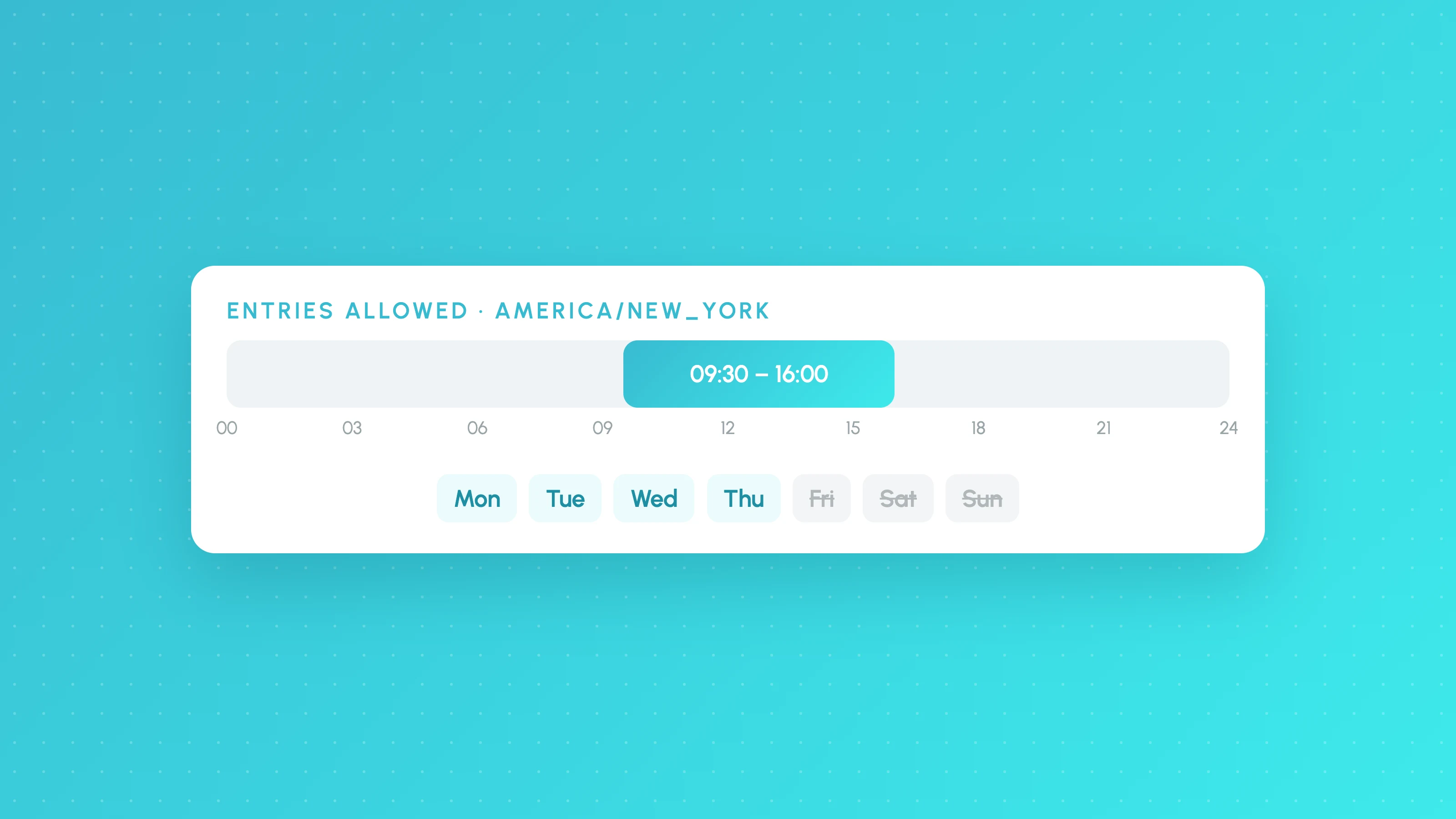
Pine Script Session, Time and Day of Week Filters (v6)
Copy-paste Pine Script v6 session, time-of-day and day of week filters, with time zone and DST handling, exits outside the filter and an overfitting check.