

How to Test a Trading Strategy ChatGPT or Claude Wrote
A step-by-step way to check an AI-written Pine Script strategy: catch lookahead and repainting, set realistic costs, test out of sample and by market condition.
By Tessera Trades · Updated · 7 min read
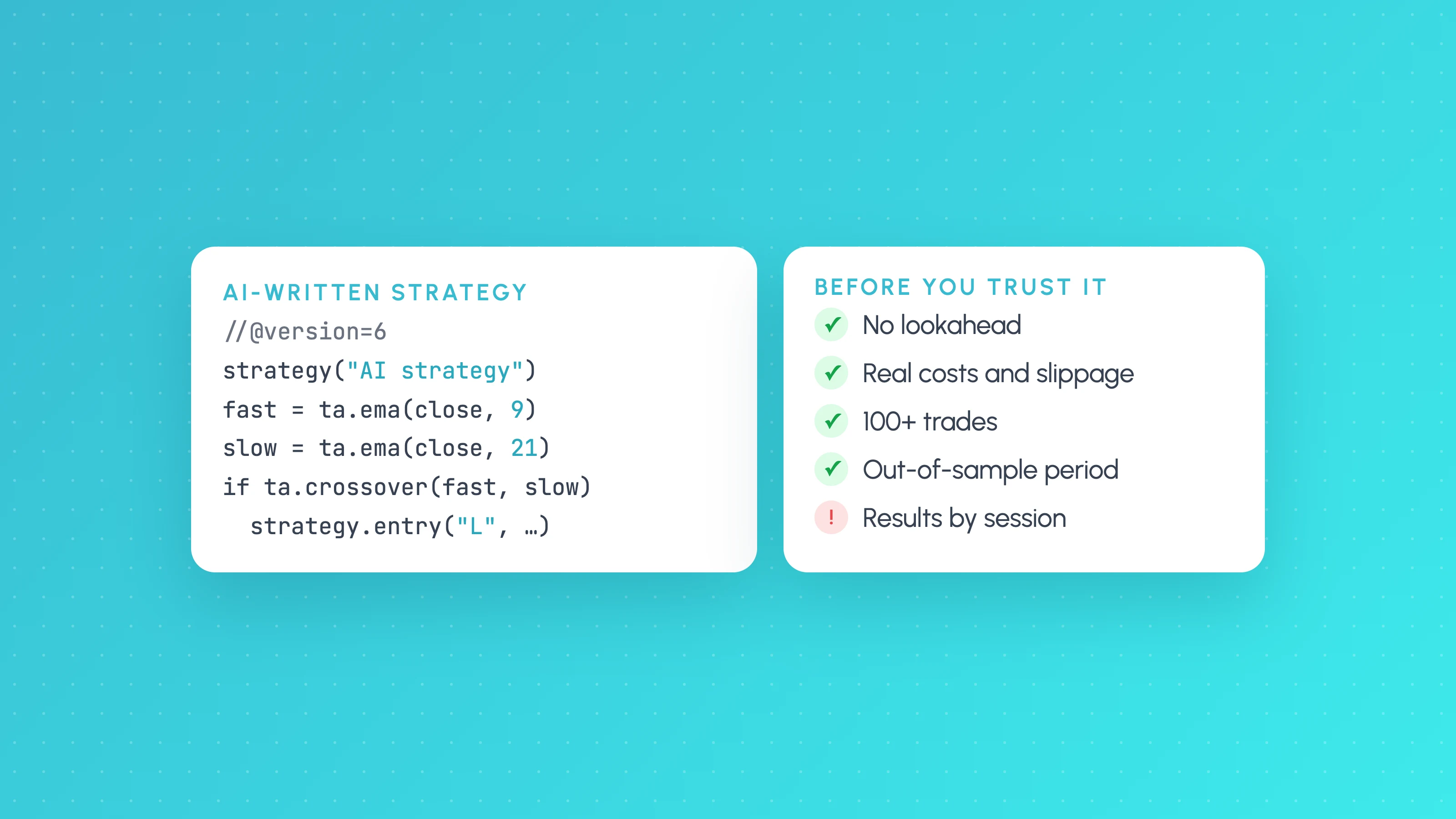
To test a strategy an AI wrote, treat its backtest as a claim to check, not a result. Read the code for lookahead and repainting, set realistic commission and slippage, confirm there are enough trades, hold back a period the AI never saw, break the results down by session, weekday and volatility, and see whether small parameter changes break it. Only a strategy that survives all of that is worth paper trading.
AI assistants have made writing Pine Script nearly free. A prompt like "write me a mean-reversion strategy for NQ on the 5-minute chart" returns compiling code in seconds. The catch is that the same assistant will happily keep adjusting the code until the equity curve looks good, and an equity curve that was tuned to look good is the definition of an overfit backtest. Here's the checklist we use.
Step 1: Read the code for the errors that inflate backtests
Language models get Pine Script syntax mostly right now, especially if you ask for version 6. The dangerous mistakes are the ones that compile fine and make results look better than they are.
- Future data from
request.security. Pulling a higher timeframe withlookahead = barmerge.lookahead_onand no offset lets each bar see the higher-timeframe close before it happened. The non-repainting pattern offsets the series by one bar:request.security(syminfo.tickerid, "D", close[1], lookahead = barmerge.lookahead_on). - Signals that use the current bar's high or low to enter at that bar's open. If the entry condition depends on
highorlow, the strategy can't have known it in time to fill at an earlier price. - Stops and targets in the wrong units. In
strategy.exit,stopandlimitare prices, whilelossandprofitare distances in ticks. Mixing them up can turn a 20-point stop into a 20-tick one. calc_on_every_tickor intrabar logic that only works on historical bars. It behaves differently live, so the backtest won't match what you'd trade.- No position checks. Entries that fire on every bar while already in a trade can stack or flip positions in ways you didn't intend, depending on the
pyramidingsetting.
Ask the assistant to explain every input and every condition in plain English. If it can't justify a filter, it probably added it to fit the curve.
Step 2: Make the backtest realistic
TradingView's Strategy Tester defaults are generous. Set these in the strategy() call (or the Properties tab) before you look at any result:
//@version=6
strategy("My AI strategy", overlay = true,
     initial_capital = 10000,
     default_qty_type = strategy.percent_of_equity,
     default_qty_value = 10,
     commission_type = strategy.commission.percent,
     commission_value = 0.05,
     slippage = 2,
     pyramiding = 0)
Use your broker's real commission. Set slippage in ticks to something you'd actually expect on that market and timeframe. For fast intraday systems this one setting often decides whether the strategy is profitable at all. If your plan includes the Bar Magnifier option, turn it on so fills inside a bar use lower-timeframe data rather than guesses.
Step 3: Check you have enough trades
A backtest with 25 trades can't tell an edge from luck. As a rough rule, look for at least 100 trades in total, and at least 30 in any slice you're going to act on, such as a session or a weekday. Fewer than that and a few big winners can produce the whole result.
If the strategy trades rarely, test it on more history or more symbols that behave similarly, rather than accepting a thin sample.
Step 4: Keep a period the AI never saw
The most important habit with AI-written strategies: decide on a cut-off date before you start iterating. Build and tune only on data before it. Then run the final version once on the period after it, and accept what you get.
A simple way to do that in Pine is a date window input:
startDate = input.time(timestamp("2019-01-01"), "Test from")
endDate   = input.time(timestamp("2023-12-31"), "Test to")
inWindow  = time >= startDate and time <= endDate

if inWindow and longCondition
    strategy.entry("Long", strategy.long)
Tune with the window ending at your cut-off, then move endDate to today for the single out-of-sample run. If the out-of-sample profit factor falls apart, the in-sample result was mostly fitting.
Also keep count of how many versions you tried. If you asked the assistant for twenty variations and kept the best one, that best result is inflated by the selection itself. The more versions you tried, the more the out-of-sample check matters.
Step 5: Break the results down by market condition
The Strategy Tester summary shows one profit factor for the whole history. Behind it, most strategies have conditions where they make money and conditions where they quietly give it back. You want to know which before you go live.
Export the List of Trades from the Strategy Tester, then split it by:
- Session: Asia, London, New York, and the overlaps.
- Weekday: Mondays and Fridays often behave differently.
- Time of day: the first and last hour of a session are rarely like the middle.
- Volatility: for example, ATR split into low, normal and high.
- Direction: longs and shorts separately.
You can do this in a spreadsheet with a few pivot tables. A free Entry Analysis report does it straight from the export and shows the trade count behind each slice, so you don't act on a finding with six trades behind it.
Step 6: Change the inputs and see if it breaks
Change each important input by around 10 to 20 percent in both directions: the moving average length, the RSI threshold, the stop distance. A real edge degrades gradually. An overfit one collapses when a lookback goes from 20 to 22. If only one exact combination works, you've found noise.
Do the same with the filters the AI added. Remove each filter one at a time. If removing a filter barely changes the result, it isn't doing anything and should go. If one filter is responsible for nearly all of the profit, be suspicious of it.
Step 7: Test the fixes on the same trades, then re-backtest
The breakdown usually suggests fixes: skip the Asian session, avoid the first 15 minutes, widen the stop when volatility is high. Each one is a new hypothesis, and each one is another chance to overfit.
Before you edit the script, check the change against the trades the strategy already took. Remove the trades the new rule would have skipped, or replay the exits with the new stop on real candles, and compare the two versions side by side. Tessera's simulator does this on your imported trades. Then add only the changes that hold up to the Pine Script, re-run the Strategy Tester, and check the out-of-sample period again.
Step 8: Paper trade before real money
Run the final version forward on a paper or very small live account for a few weeks. Compare live fills with what the backtest says should have happened over the same period. Gaps between the two usually come from slippage, missed fills or repainting that the earlier steps didn't catch.
The short checklist
| Check | Pass if |
|---|---|
| Code review | No lookahead, correct stop units, every filter explained |
| Realistic costs | Commission and slippage match your broker |
| Sample size | 100+ trades overall, 30+ in any slice you act on |
| Out of sample | Results on the unseen period are in the same range |
| Condition breakdown | No hidden losing session, weekday or volatility level you can't explain |
| Sensitivity | Small input changes cause small result changes |
| Paper trading | Live fills track the backtest |
A no-code alternative
Several of these steps exist because the AI wrote code you have to check. In Tessera's Strategy Lab, TES, the AI strategy coach, builds the strategy from your plain-English description without code, and every backtest runs the unseen-period, first-half versus second-half and cost checks automatically. TES proposes each change and you confirm it. Once a version holds up, Launchpad (paid plans) can run it on paper first. How to create a trading bot without coding covers the route. You still need enough trades and a paper period: no check makes a strategy profitable.
If you'd rather use a builder that writes and backtests the strategy in one place, compare the best AI trading strategy builders.
Frequently asked questions
- Can ChatGPT or Claude backtest a trading strategy?
- Not on their own. They can write the Pine Script and explain it, and with a TradingView MCP bridge Claude Code can run it in the Strategy Tester. The backtest itself still runs in TradingView or another backtesting engine, and you still need to check the result for overfitting.
- Is AI-written Pine Script reliable?
- It usually compiles, especially if you ask for Pine Script version 6. The risk is subtle logic errors that inflate results, such as higher-timeframe lookahead or stops in the wrong units. Read the code before you trust the backtest.
- How do I know if an AI strategy is overfit?
- Signs include very few trades, results that collapse when an input changes slightly, filters that can't be explained, and a much worse result on a period the strategy wasn't tuned on. Many rounds of asking the AI to "improve" results is itself a warning sign.
- How many trades does a backtest need?
- As a rough guide, at least 100 trades overall and at least 30 in any session, weekday or other slice you plan to act on. Fewer than that and the result can be driven by a handful of trades.
- What should I do after the AI strategy passes these checks?
- Paper trade it or run it small, and compare live fills against the backtest for the same period. Keep breaking results down by market condition as live trades come in, because conditions where the strategy loses often show up early.
Keep reading
 AI and Pine Script
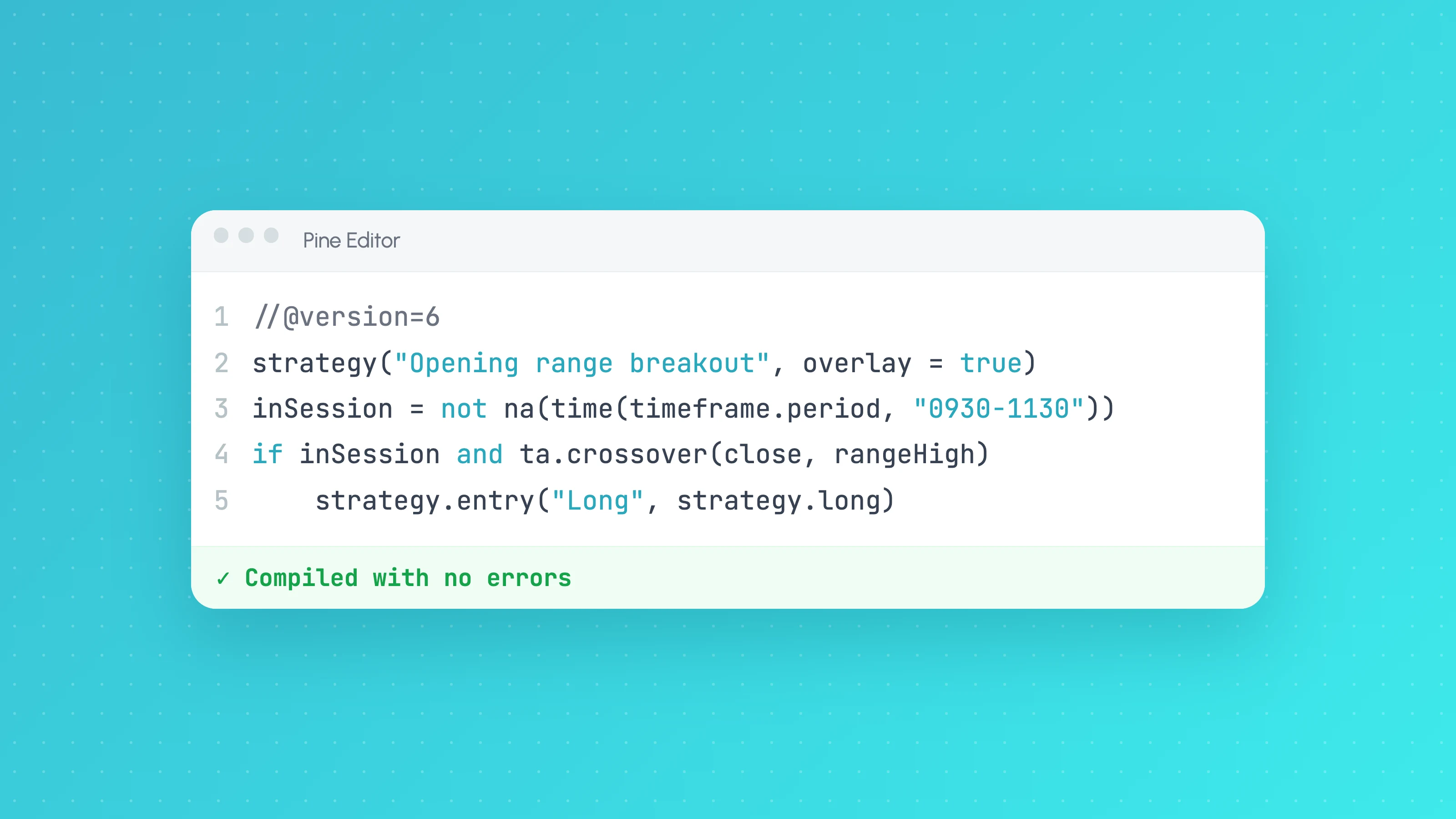
Claude for Pine Script: Write, Debug and Test TradingView Strategies
How to use Claude to write and debug Pine Script v6 strategies: prompts that work, a rules file for Claude Code, fixing compiler errors and testing the result.
 AI and Pine Script
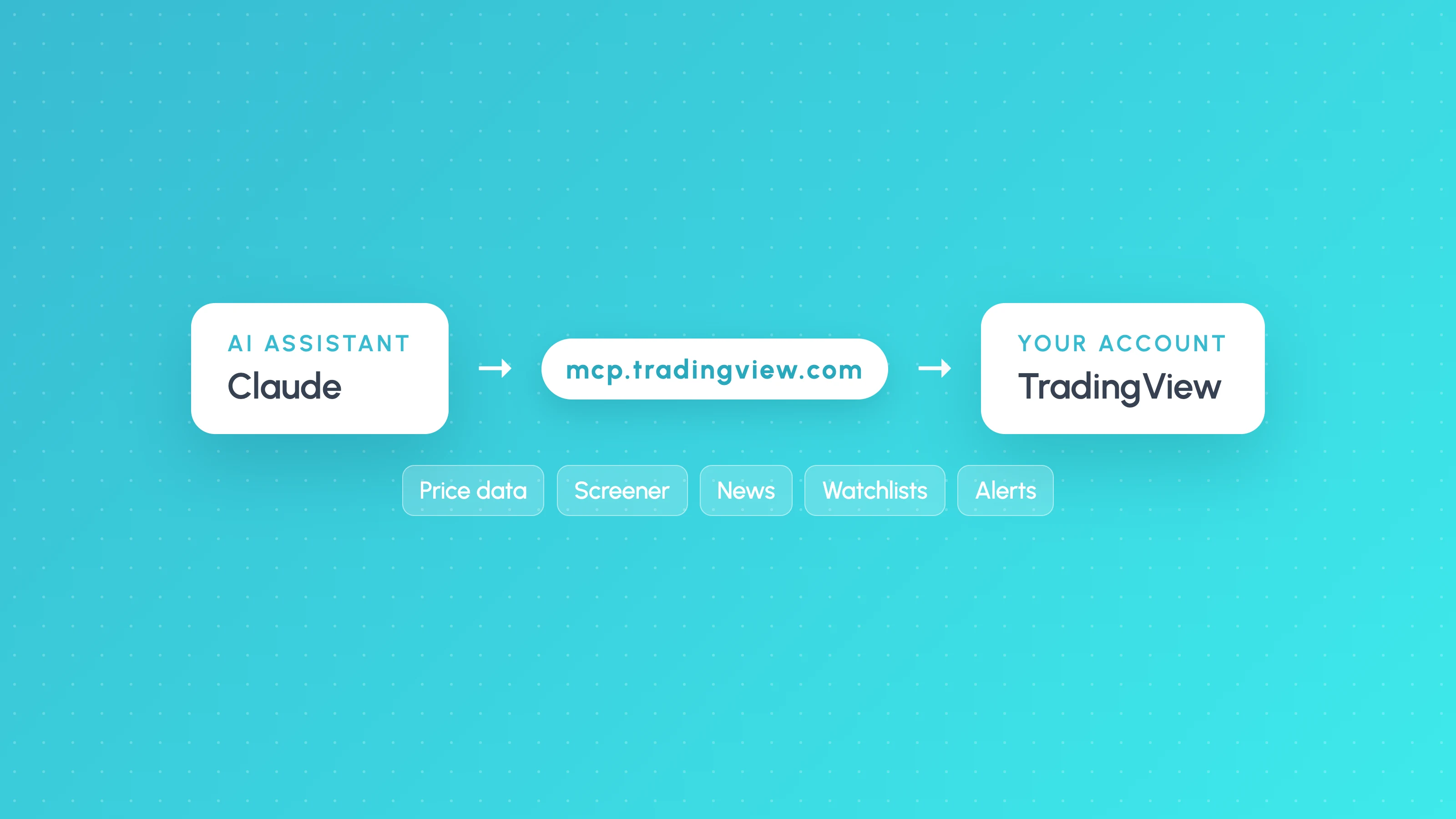
How to Connect Claude to TradingView (Official MCP Server, 2026)
Connect Claude to TradingView with the official MCP server: setup for Claude, Claude Code and ChatGPT, what it can do, and what it can't do for strategy testing.
 AI and Pine Script
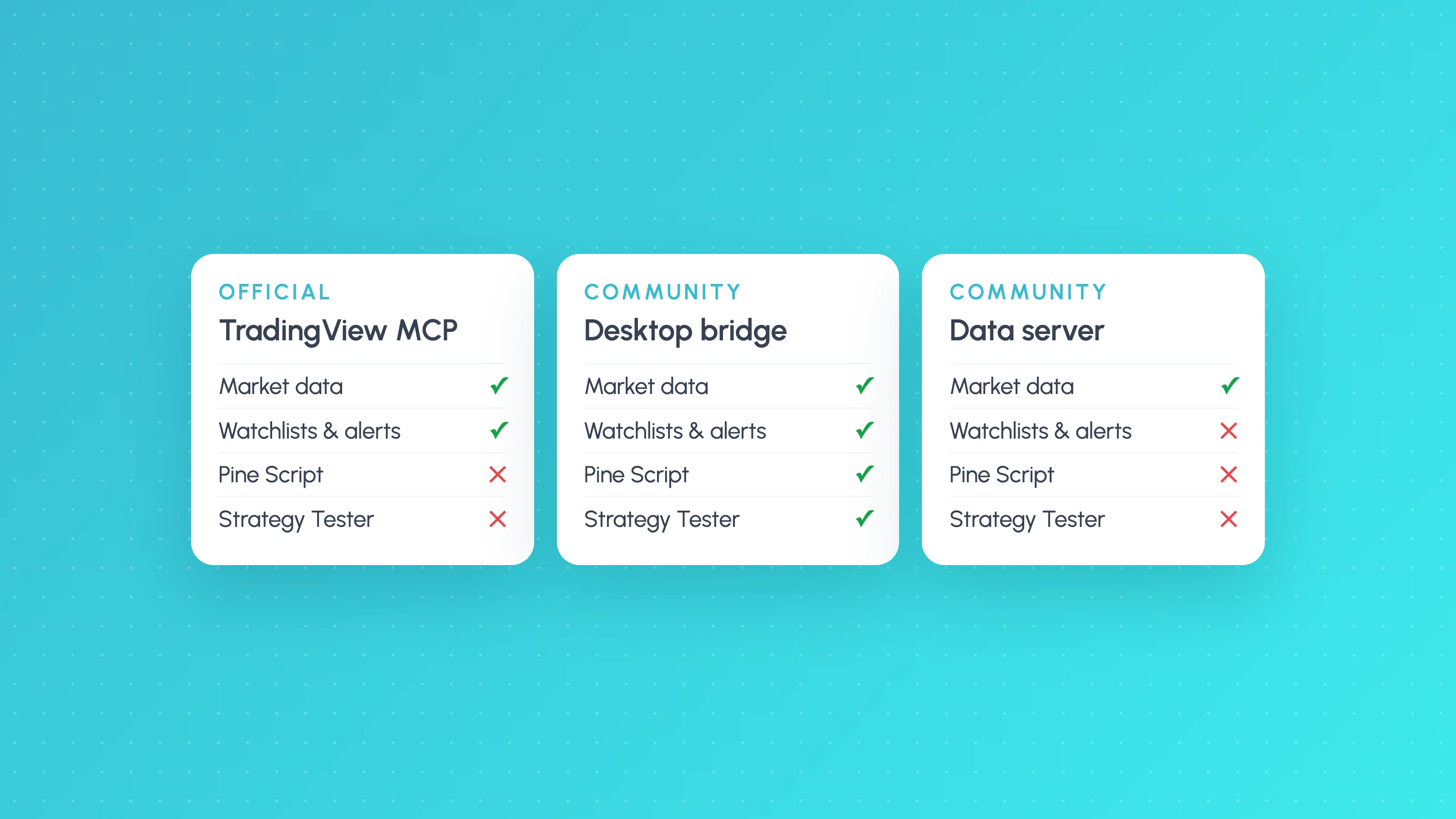
TradingView MCP Server: What It Can and Can't Do (2026)
TradingView's official MCP server compared with community MCP servers: the 35 tools, plan requirements, limits, Pine Script access and which one to use.