

Best AI Trading Strategy Builders (2026): Which Ones Turn Plain English Into a Tested Strategy
Which AI trading strategy builders turn a plain-English idea into a backtested strategy? We compare TrendSpider Sidekick, LuxAlgo Quant, TradingView Copilot, Composer, Tessera and more.
By Tessera Trades · Updated · 7 min read
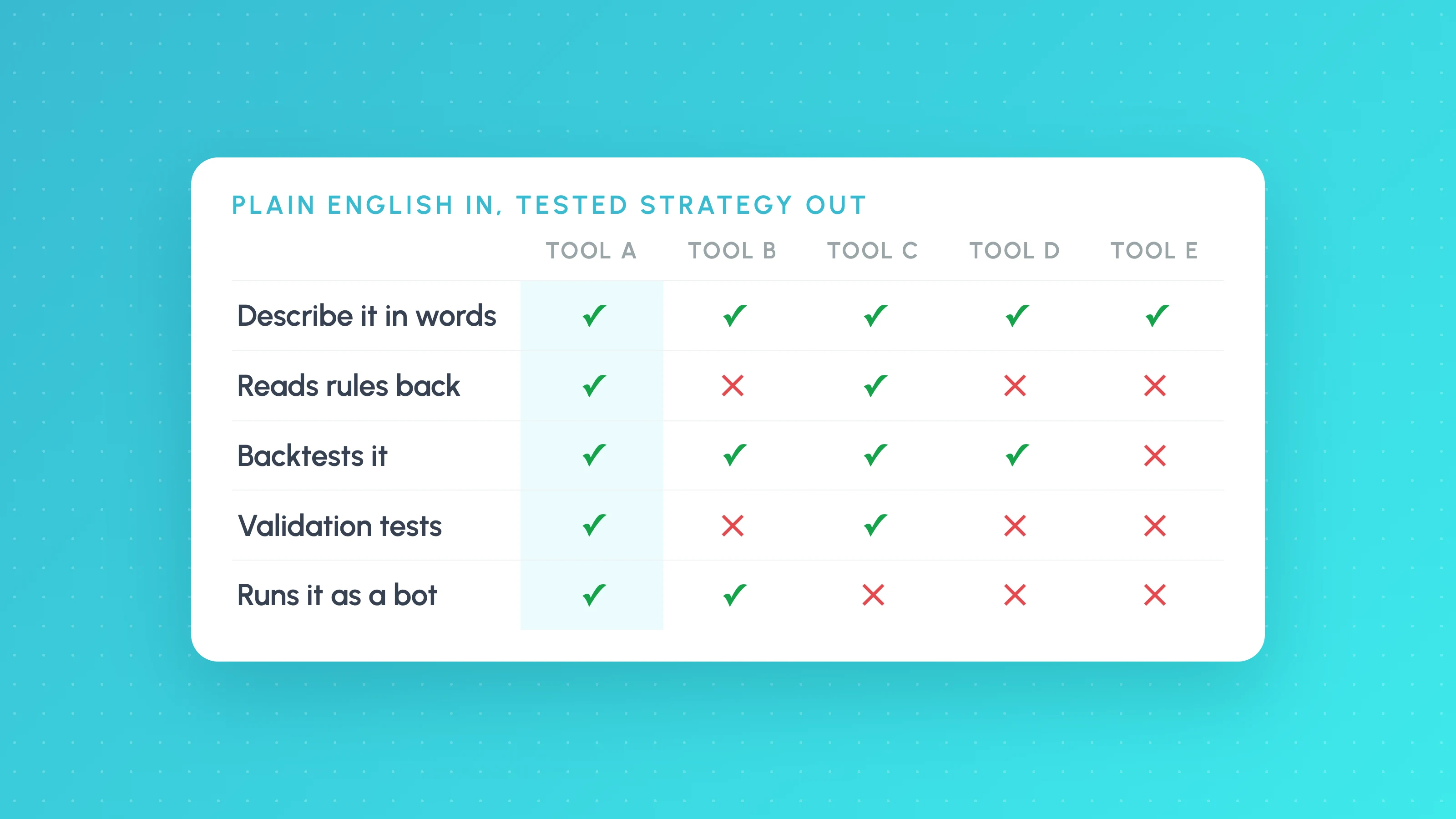
An AI trading strategy builder takes a strategy you describe in plain English, turns it into exact rules, and backtests it. As of November 2026, the main options are TrendSpider's Sidekick AI for US stock traders, LuxAlgo's Quant for Pine Script users who want a quick backtest, TradingView's AI Copilot for existing paid TradingView users, Composer for US portfolio investors, and Tessera's TES coach in Strategy Lab for traders who want the strategy built, backtested, checked on unseen data and run as a bot in one place. ChatGPT and Claude can write strategy code too, but they have no data or backtest engine of their own.
The hard part is not the AI writing something. It is whether the rules it wrote match what you meant, and whether the backtest that follows is honest. This guide compares the builders on what the AI actually does, how you check its work, what validation follows and whether you can run the result.
Features and prices were checked on each vendor's own pages on 6 November 2026. AI features change quickly, so confirm before you pay.
An AI-built strategy is still a strategy that has to be tested. Backtests are not future results, and leveraged trading carries a high risk of loss.
What to look for in an AI strategy builder
- It reads the rules back to you. The most common failure is the AI quietly getting a timeframe, session or entry condition wrong. You need to see the exact rules before the backtest runs.
- It runs the backtest on real data. A chatbot that writes code you then paste somewhere else is a different product from one that builds and tests in the same place.
- It tests for overfitting. AI makes it cheap to try many variants, so an unseen period and Monte Carlo matter more, not less.
- You stay in control of changes. Good builders propose changes and wait for you to confirm them.
- It is clear about usage limits. Many AI builders are metered, so check what a month of real use costs.
Comparison table (as of November 2026)
| Builder | What the AI does | Validation after the backtest | Run it live | Price |
|---|---|---|---|---|
| Tessera (TES in Strategy Lab) | Builds the strategy from a description or chart screenshot, runs the backtest, searches up to 12 parameter combinations and explains any trade; you confirm every change | Unseen period, Monte Carlo, price noise, costs, other markets, prop-firm account test | Yes: Launchpad on paper, cTrader or Liquid Brokers (paid plans) | Free plan with 5 TES prompts a week; paid from $39/mo |
| TrendSpider Sidekick | Builds, tests and refines a strategy from a goal or rules; you edit the conditions | Multi-period and multi-symbol testing | Yes: bots via SignalStack | 25 messages a month on every plan; more from $49/mo on top of a plan |
| LuxAlgo Quant | Chat to Pine Script strategy, backtested in LuxAlgo's Vela platform | Monte Carlo, prop-firm challenge replay | No ("LuxAlgo does not execute trades") | Free tier with refilling usage; from $24.99/mo monthly |
| TradingView AI Copilot | Writes Pine indicators and strategies, applies them to the chart, reads strategy reports and sweeps parameters | Whatever the Strategy Tester offers | Via TradingView's broker integrations | Paid add-on on paid plans, with a monthly cap |
| Composer | Describe goals and get an editable no-code "symphony" | Backtest against a benchmark, with fees and slippage | Yes: its own broker-dealer | Free Starter; Advanced $10/mo |
| Pineify | Prompt or screenshot to Pine Script (also MQL5, cTrader and NinjaScript), with automatic error fixing | Monte Carlo on imported TradingView reports | Via TradingView | One-off from $99 |
| ChatGPT or Claude directly | Writes Pine, MQL5, Python or EasyLanguage on request | None built in | Only through separate integrations | Free tiers; paid plans |
Tessera TES: best for describing, testing and running a strategy in one place
TES is the AI strategy coach inside Strategy Lab, which is our product. You tell it what you trade, attach a chart screenshot if it helps, and it builds the strategy as a recipe, runs the backtest and explains the result. Strategy Lab reads the recipe back in plain English, so you can see that "15-minute opening range, 1-minute entries" really was built that way before you trust the numbers. Every change TES proposes waits for you to confirm it.
Because the backtest runs inside Strategy Lab, the same run gets an unseen period (the last 30% of the data), and you can add Monte Carlo, price noise, costs, other markets and a prop-firm account test. Strategies that hold up export to TradingView as Pine Script v6 on paid plans, or run as a bot through Launchpad.
Where it is the wrong choice: US stock or options trading through a brokerage, or bots on brokers other than cTrader and Liquid Brokers. The Free plan includes 5 TES prompts and 5 backtests a week, which is enough to build and test a first strategy, not to iterate all day.
TrendSpider Sidekick: best for US stock traders already on TrendSpider
Sidekick builds and tests a strategy from a plain-English goal or set of rules, then hands you the conditions to edit in TrendSpider's no-code tester. Results can become bots that trade through SignalStack. TrendSpider's separate ML Quant Lab (renamed from AI Strategy Lab in July 2026) trains machine-learning models by point and click; it is not a chat builder.
Watch for: Sidekick is metered. Every plan includes 25 messages a month, and more costs $49 to $349 a month on top of a TrendSpider plan, which has no free tier.
LuxAlgo Quant: best for Pine Script users who want AI plus a quick backtest
LuxAlgo's Quant agent turns a chat description into a Pine Script strategy and backtests it in the same window on LuxAlgo's Vela platform, with Monte Carlo and a prop-firm challenge replay. You can paste the result into TradingView.
Watch for: LuxAlgo does not execute trades, and usage is capped by plan.
TradingView AI Copilot: best if you already pay for TradingView
TradingView's own Copilot writes Pine strategies, applies them to your chart, reads Strategy Tester reports and sweeps parameters. It is the most convenient option if your whole workflow is already in TradingView. Our guide to TradingView's AI Copilot covers what it can and can't do.
Watch for: it is a paid add-on available only on paid plans, it has a monthly usage cap, and the validation is limited to what the Strategy Tester offers.
Composer: best for US portfolio and rotation strategies
Composer (now "Composer by SoFi") lets you describe an investing goal and get an editable no-code strategy that rebalances across stocks and ETFs, then trades it through its own broker-dealer.
Watch for: it is built for US accounts and daily-rebalancing portfolios, not intraday trading or forex, and it removed crypto on 31 January 2026.
Pineify: best for making Pine Script without coding
Pineify is a coding agent: describe or screenshot a strategy and it writes Pine Script (and MQL5, cTrader and NinjaScript), fixing compile errors automatically. It also has a drag-and-drop editor and can run Monte Carlo on imported TradingView reports.
Watch for: it depends on TradingView for data, backtesting and execution.
ChatGPT and Claude: best for drafting code, not for testing it
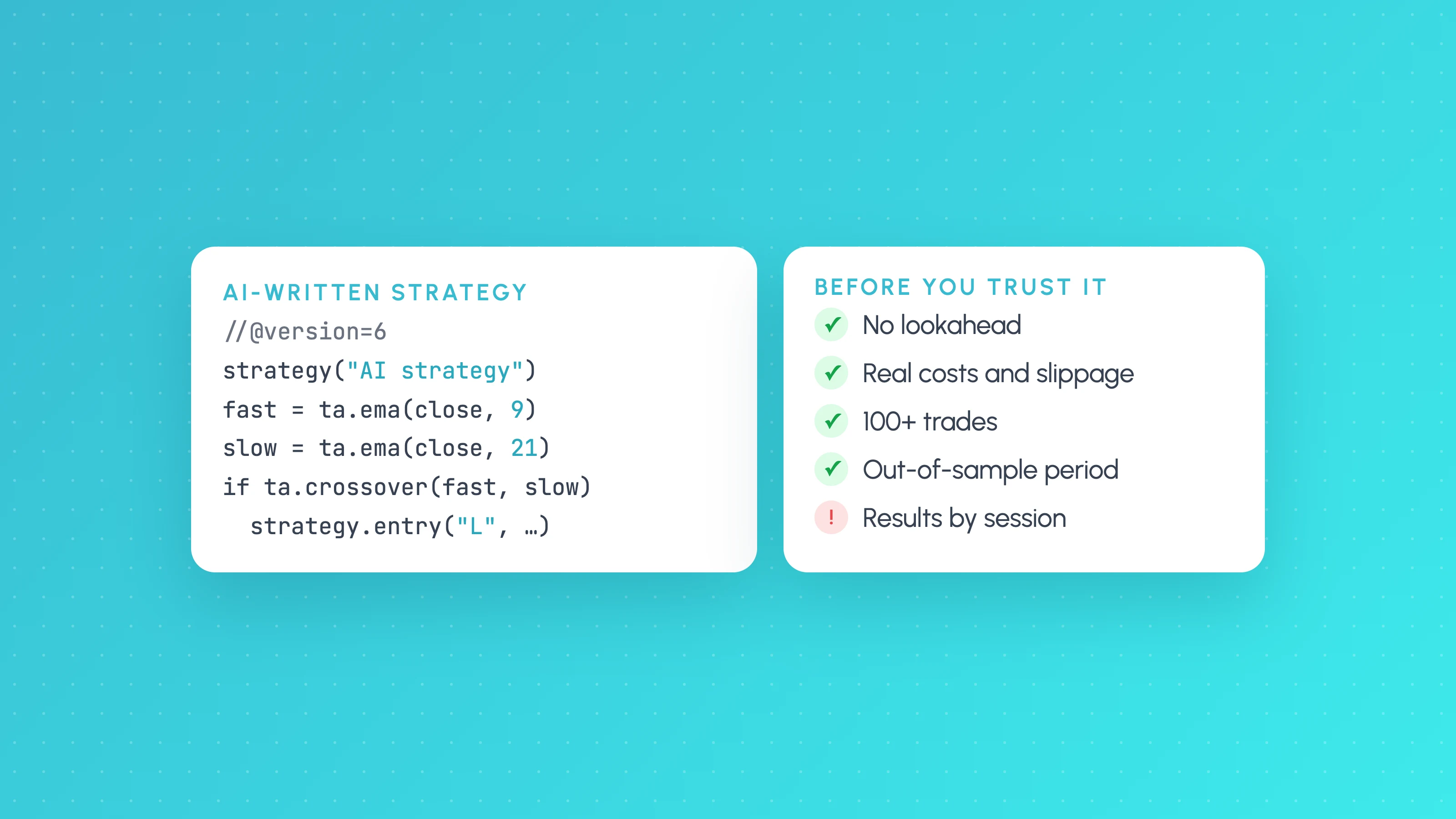
General AI assistants will happily write a Pine Script, MQL5 or Python strategy. They have no market data or backtest engine of their own, and common problems include look-ahead bias, code that does not compile and rules that drift from what you asked for. They work best as a drafting tool, followed by a proper test. Our guide to testing a strategy ChatGPT or Claude wrote lists the checks.
Builders we left out
- Capitalise.ai was acquired by Kraken in August 2025 to bring natural-language automation to Kraken Pro, and its standalone site did not load when we checked.
- Tickeron offers ready-made AI robots and signals rather than a builder you describe a strategy to.
- MetaTrader 5's AI Assistant (September 2026) analyses Strategy Tester and optimisation results; we could not confirm that it builds a full Expert Advisor from a description.
How to check any AI-built strategy
- Read the rules back and check the timeframe, session, entry, stop and target against what you meant.
- Check the trade count. A handful of trades proves nothing; see how many trades a backtest needs.
- Look at the unseen period, not only the full-history result.
- Run Monte Carlo and add realistic costs.
- Paper trade it before risking money.
Frequently asked questions
- What is the best AI trading strategy builder?
- For US stocks, TrendSpider's Sidekick; for Pine Script with a quick backtest, LuxAlgo Quant; for existing paid TradingView users, TradingView's AI Copilot; for US portfolio investing, Composer. Tessera's TES in Strategy Lab suits traders who want a plain-English strategy built, backtested, validated on unseen data and run as a bot on cTrader or Liquid Brokers.
- Can AI build a trading strategy from plain English?
- Yes. Builders such as Tessera's TES, TrendSpider's Sidekick, LuxAlgo Quant and TradingView's AI Copilot turn a description into rules or code. Always read the rules back before trusting the backtest, because AI builders can get timeframes and conditions wrong.
- Is there a free AI trading strategy builder?
- Tessera's free plan includes 5 TES prompts and 5 backtests a week with no card. LuxAlgo has a free tier with usage that refills, and Composer has a free Starter plan. ChatGPT and Claude can write strategy code for free but can't backtest it.
- Can ChatGPT backtest a trading strategy?
- Not on its own. ChatGPT can write strategy code, but it has no market data or backtest engine, so the code has to be run and validated in a backtesting platform.
Keep reading
 AI and Pine Script
How to Test a Trading Strategy ChatGPT or Claude Wrote
A step-by-step way to check an AI-written Pine Script strategy: catch lookahead and repainting, set realistic costs, test out of sample and by market condition.
 Algo trading
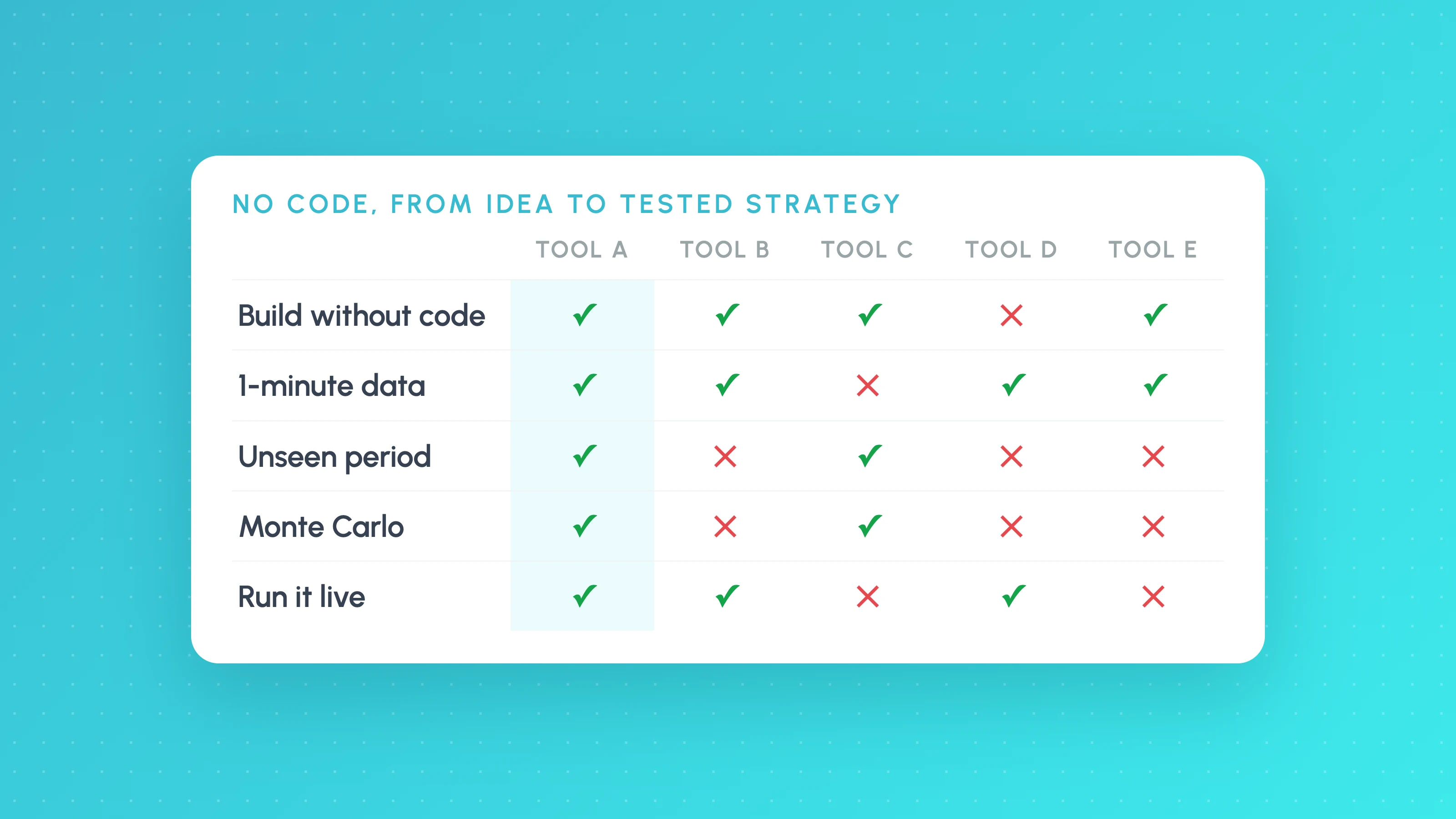
Best No-Code Backtesting Software (2026): 8 Tools Compared on Data, Validation and Price
The best no-code backtesting software compared: TradingView, TrendSpider, NinjaTrader, StrategyQuant X, Backtrex, Option Alpha, Tessera and more, on data, validation and price.
 AI and Pine Script
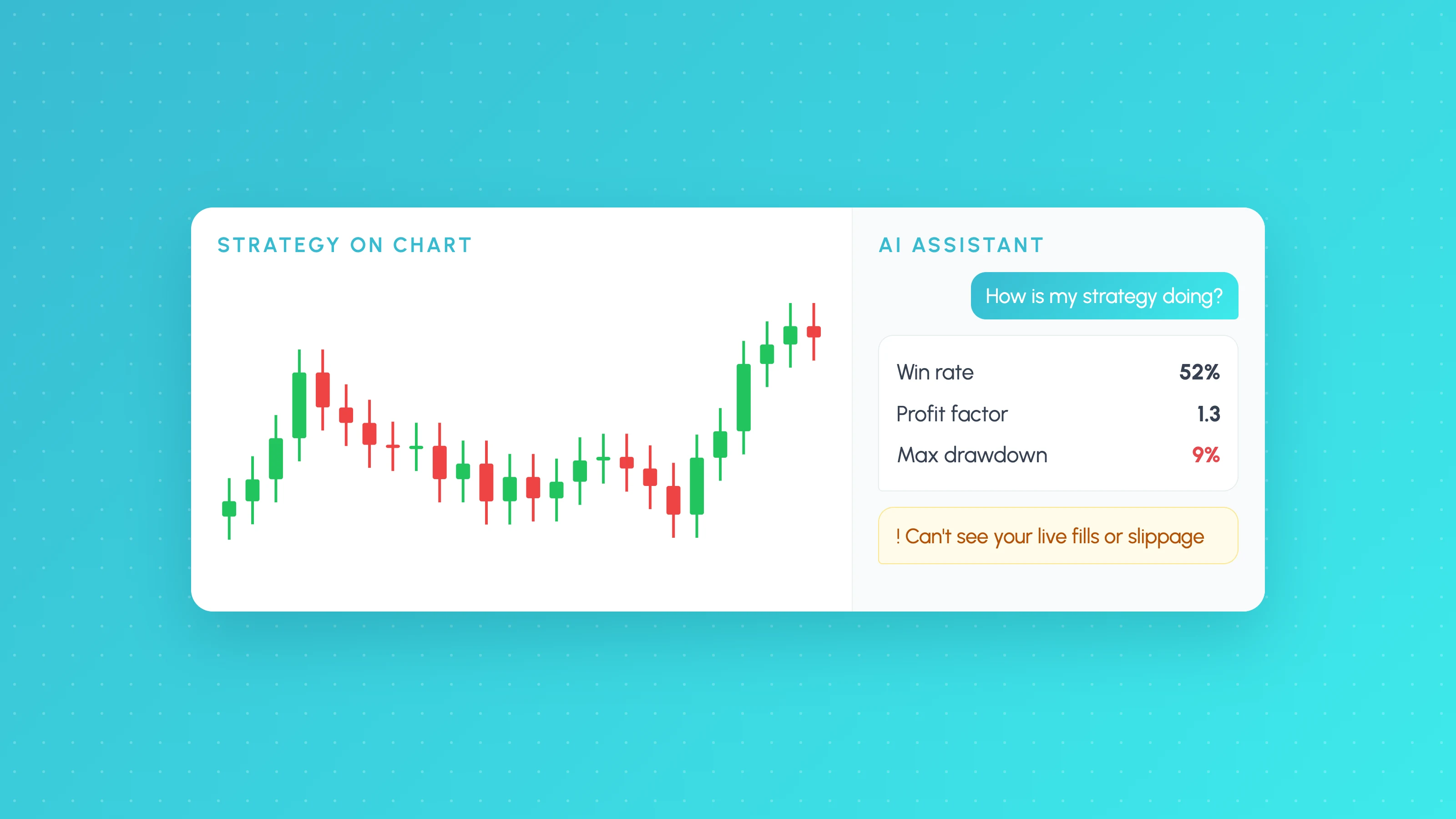
TradingView AI Copilot: What It Can and Can't Tell You About Your Strategy
TradingView AI Copilot is a paid chart assistant that writes Pine Script and summarises backtests. Features, how to use it on a strategy, and its limits.