

TradingView MCP Server: What It Can and Can't Do (2026)
TradingView's official MCP server compared with community MCP servers: the 35 tools, plan requirements, limits, Pine Script access and which one to use.
By Tessera Trades · Updated · 6 min read
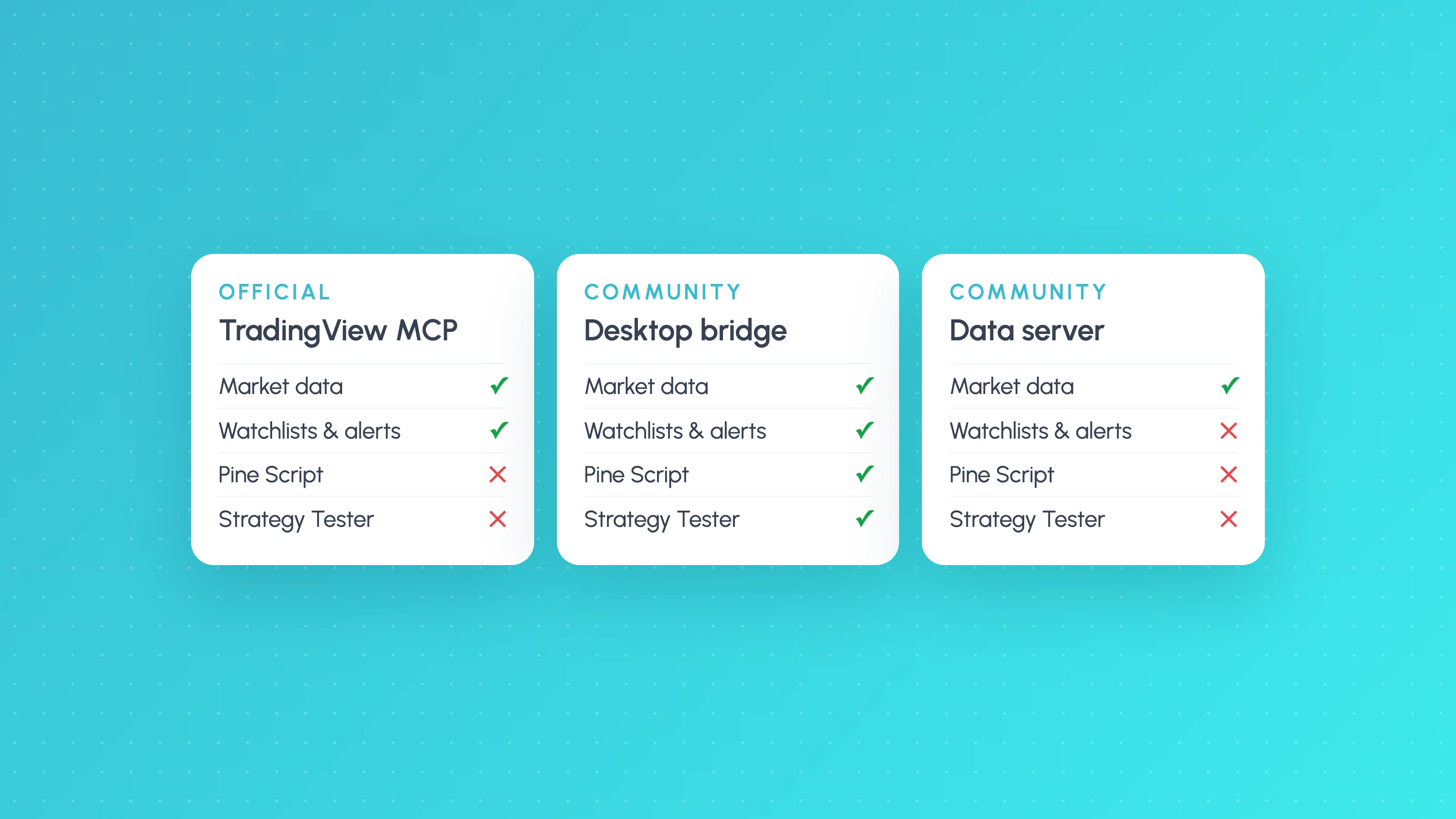
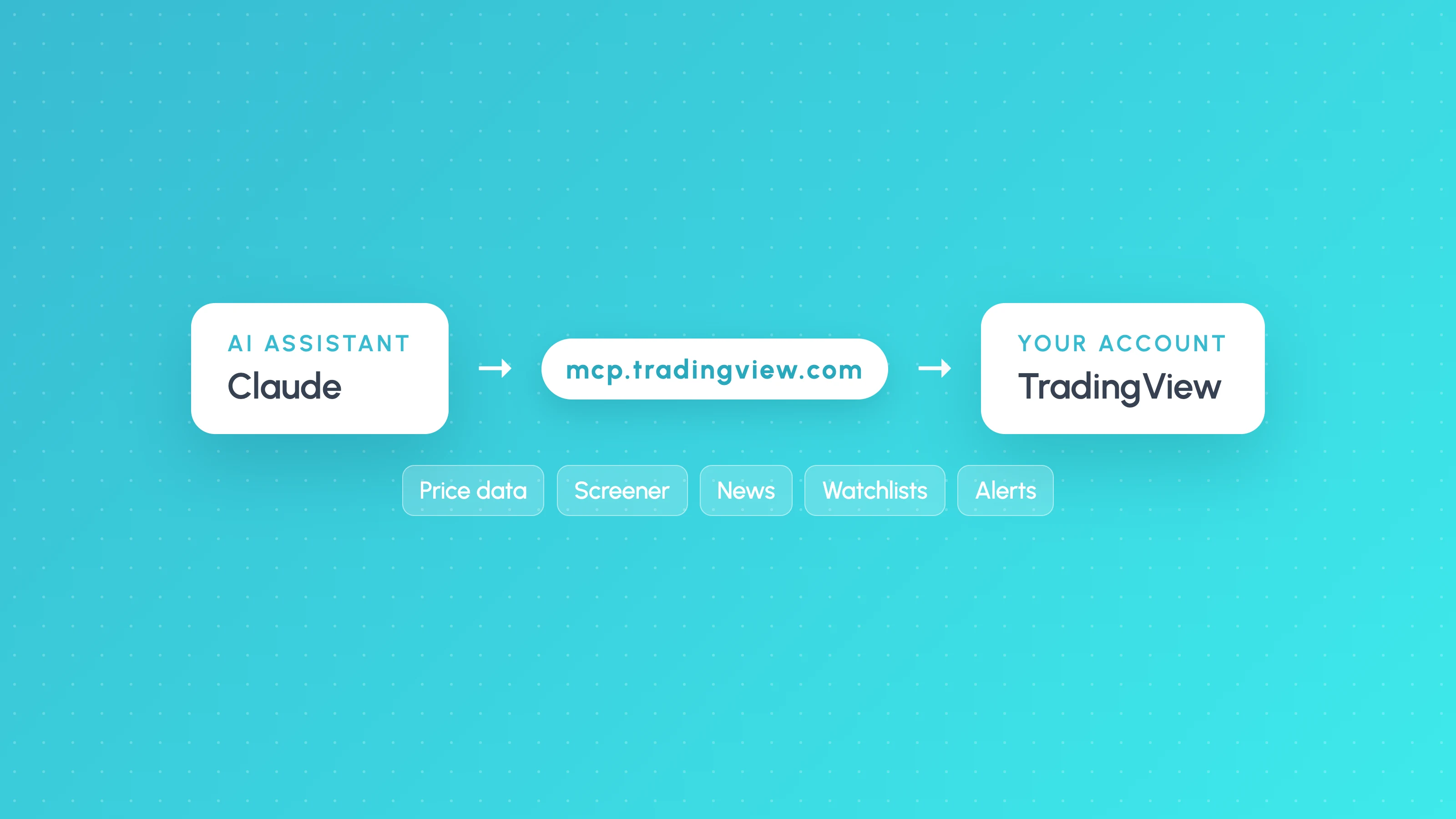
TradingView's official MCP server lets AI assistants such as Claude and ChatGPT read market data, run the screener, pull news, fundamentals and calendars, and manage your watchlists and price alerts. It went into public beta on 16 September 2026 for Essential plans and above. It can't place trades, and it can't read or write Pine Script or Strategy Tester results.
"TradingView MCP" now means three different things: the official server, community bridges that control the TradingView Desktop app, and community data servers that only borrow TradingView's name. They differ a lot in what they can reach and how much risk they carry. This page compares them. For the setup steps and copy-paste commands, see how to connect Claude or Codex to TradingView.
The three kinds of TradingView MCP server
| Official (TradingView) | Desktop bridge (community) | Data server (community) | |
|---|---|---|---|
| Example | mcp.tradingview.com/mcp | tradesdontlie/tradingview-mcp | atilaahmettaner/tradingview-mcp |
| Connects to | TradingView's servers, with your login | TradingView Desktop on your computer | Public market data endpoints and other sources |
| TradingView account | Essential plan or above | Any, with Desktop installed | Not needed |
| Pine Script | No | Write, compile, read errors | No |
| Strategy Tester results | No | Yes (trades and equity data) | No (its own Python backtester instead) |
| Watchlists and alerts | Yes, read and write | Yes, by controlling the app | No |
| Places trades | No | No | No |
| Supported by TradingView | Yes (beta) | No, uses undocumented internal APIs | No |
| Best for | Research, screening, monitoring | Pine Script development with Claude Code | Quick indicator and screener data without an account |
Details for each are below. Everything about the official server comes from TradingView's MCP documentation and launch post.
The official TradingView MCP server
Who can use it
Anyone on a paid TradingView plan from Essential up. Trial plans don't include MCP access. You sign in with your TradingView account through OAuth 2.1, so there's no API key to create or store. Setup takes about two minutes; the steps are in how to connect Claude or Codex to TradingView.
The 35 tools
| Group | Tools | What they do |
|---|---|---|
| Market data | get_ohlcv, get_economic_data, get_economic_symbols | Up to 5,000 OHLCV bars per request, plus economic series |
| Symbol search | search_symbols | Turns a ticker or company name into EXCHANGE:TICKER |
| Screener | run_screener, get_symbol_data, get_symbol_data_batch, get_screener_columns, get_technicals_rating | Filtered screens up to 1,000 rows, any screener column, technical ratings |
| News | get_news, get_news_story | Headlines (up to 200) and full stories |
| Fundamentals | get_forecasts, get_financials, get_financial_history | Analyst targets, current and historical financials |
| Documents | get_documents, get_document_view | Filings and earnings call transcripts |
| Calendars | get_earnings_calendar, get_economic_calendar, get_dividends_calendar | Earnings, macro events (back to 2003) and dividends |
| Watchlists | 8 tools | List, read, create, rename, add, remove, delete |
| Alerts | 8 tools | Create price alerts, pause, restart, delete, read the alert log |
Only the watchlist and alert tools change anything in your account. Everything else is read-only.
Its limits
- Delayed market data, according to TradingView's launch post.
- About 100 tool calls per minute per user, and daily limits may apply in the beta.
- Price alerts only. Single price conditions work (cross, cross up, cross down, greater, less). Indicator, multi-condition and webhook alerts still have to be made on tradingview.com.
- No Pine Script, no Strategy Tester, no trading. None of the tools touch scripts, backtests, orders or positions.
When to use it
Use the official server for anything built on market research: a daily briefing on your watchlist, screening in plain English, earnings and macro checks before a session, or a post-mortem on which alerts fired and what price did next. It's also the safest option, because it's TradingView's own service with scoped permissions.
Desktop bridges: Pine Script access
The TradingView MCP Bridge is the best known (about 7,000 stars on GitHub). It runs on your computer, and Claude Code talks to it over MCP. The bridge then controls the TradingView Desktop app through Chrome DevTools Protocol on localhost:9222. That means it can do things through the app's interface that the official server can't:
- Write Pine Script into the editor, compile it and read compiler errors and
log.info()output. - Change the symbol and timeframe, add indicators and take screenshots of the chart or Strategy Tester.
- Read Strategy Tester data: the strategy summary, trades and equity.
The costs are real, and the project's own README states them:
- It "accesses undocumented internal TradingView APIs", so a TradingView update can break it without warning.
- It isn't affiliated with or endorsed by TradingView, and you're responsible for complying with TradingView's terms of use. The README lists automated trading, redistributing market data and getting around subscription limits as prohibited uses.
- You launch TradingView Desktop with remote debugging turned on, which exposes a local control port while it runs.
If you use one, install it from the original repository. Another popular TradingView MCP project warns in its README about copies under other GitHub accounts that carry malicious npm dependencies.
Data servers that only borrow the name
Projects such as atilaahmettaner/tradingview-mcp (about 5,000 stars) don't log into TradingView at all. They fetch indicator and screener data from public endpoints and other sources such as Yahoo Finance, and some add a small built-in backtester with fixed strategies (RSI, Bollinger, MACD, EMA cross and so on). They're handy for quick analysis without a TradingView account, but they can't see your charts, your scripts or your Strategy Tester. And their backtests aren't your strategy.
What none of them tell you
Every option above helps you get data or write code faster. None of them answers the question an algo trader actually has after a backtest: is this edge real, and where does it break?
That answer is in your strategy's own trades, broken down by the conditions each one happened in: session, weekday, time of day and volatility. A strategy with a decent overall profit factor can be losing steadily in one session and quietly carried by another. An AI assistant reading the summary tab won't see that.
Two places to go from here:
- How to test a strategy ChatGPT or Claude wrote: the full validation workflow.
- A free Entry Analysis report: upload your Strategy Tester export and see your results by session, weekday, time and volatility.
Frequently asked questions
- What is the TradingView MCP server?
- It's TradingView's official Model Context Protocol server, which lets AI assistants such as Claude, ChatGPT, Grok and Perplexity access your TradingView account: market data, screener, news, fundamentals, calendars, watchlists and price alerts. It's in public beta since 16 September 2026.
- Which TradingView plan do I need for MCP?
- Essential or above. TradingView's docs say trial plans don't include MCP access.
- Can the TradingView MCP server read Pine Script?
- No. The official server has no Pine Script or Strategy Tester tools. Community desktop bridges can read and write Pine Script by controlling TradingView Desktop, but they use undocumented internal APIs and aren't supported by TradingView.
- Is the TradingView MCP data real-time?
- No. TradingView says market data through the MCP server is delayed during the beta.
- Is it safe to connect TradingView to Claude?
- The official server uses OAuth 2.1 sign-in, scoped tool permissions and no API keys, and it can't trade. Its write access is limited to watchlists and price alerts. Community bridges carry more risk, because they run local code with control over the TradingView app.
Keep reading
 AI and Pine Script
How to Connect Claude to TradingView (Official MCP Server, 2026)
Connect Claude to TradingView with the official MCP server: setup for Claude, Claude Code and ChatGPT, what it can do, and what it can't do for strategy testing.
 AI and Pine Script
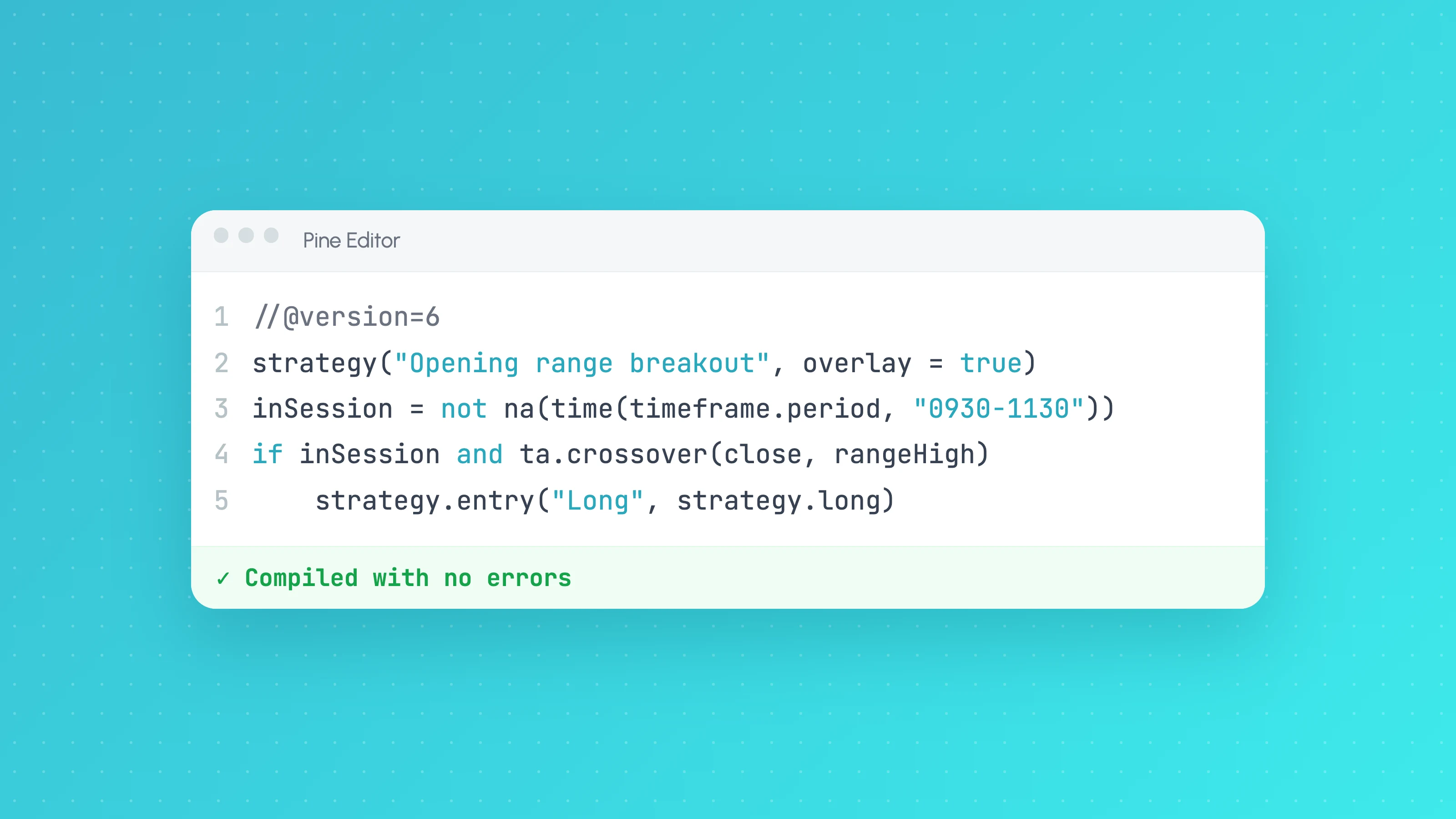
Claude for Pine Script: Write, Debug and Test TradingView Strategies
How to use Claude to write and debug Pine Script v6 strategies: prompts that work, a rules file for Claude Code, fixing compiler errors and testing the result.
 AI and Pine Script
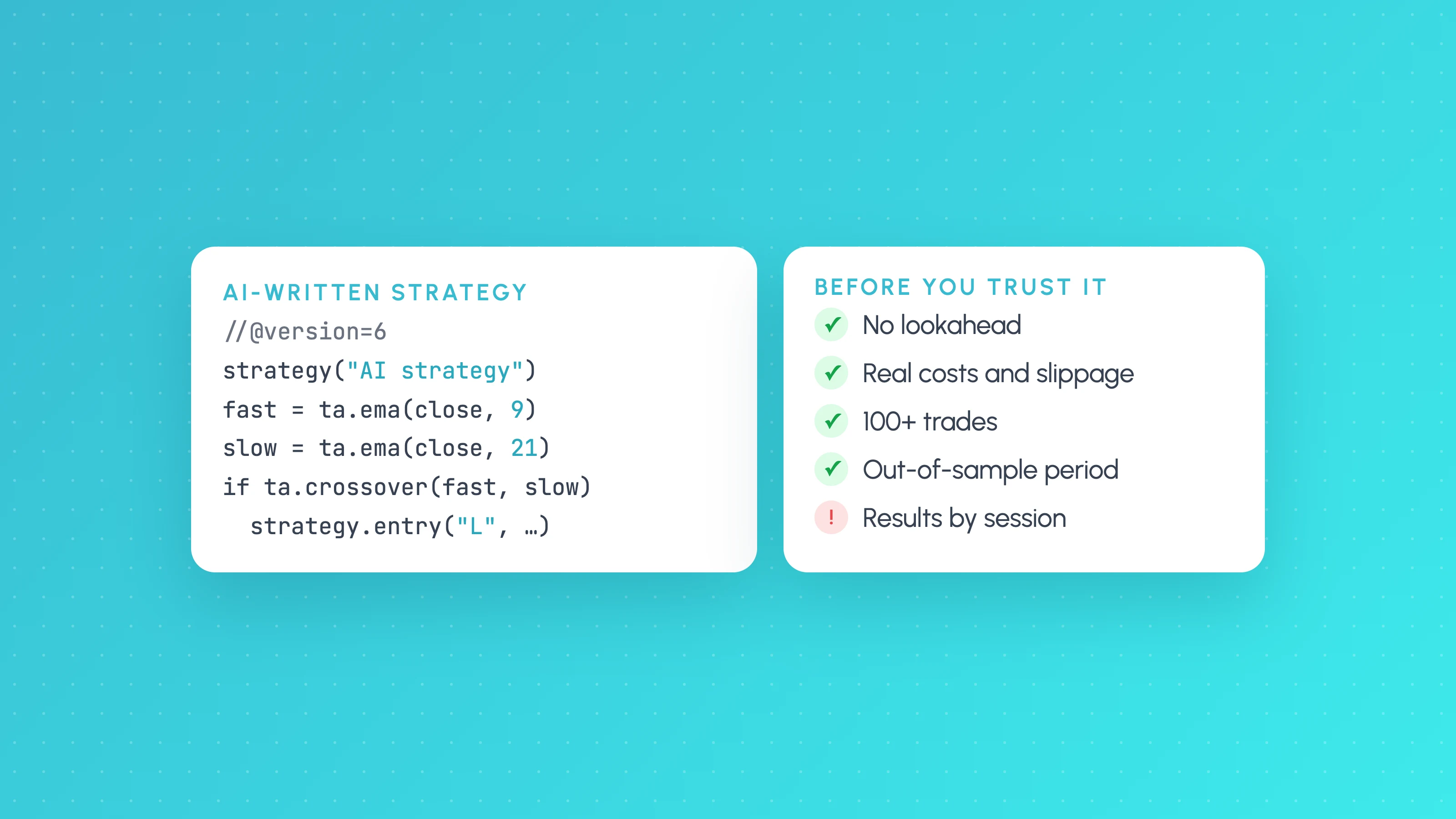
How to Test a Trading Strategy ChatGPT or Claude Wrote
A step-by-step way to check an AI-written Pine Script strategy: catch lookahead and repainting, set realistic costs, test out of sample and by market condition.