

Best Trading Journal for Algo Traders (2026): Which Ones Read Your Backtests, Bots and EAs
The best trading journal for algo traders imports your backtests, EAs and bot trades. We compare 7 on imports, rule testing and price (Oct 2026).
By Tessera Trades · Updated · 13 min read
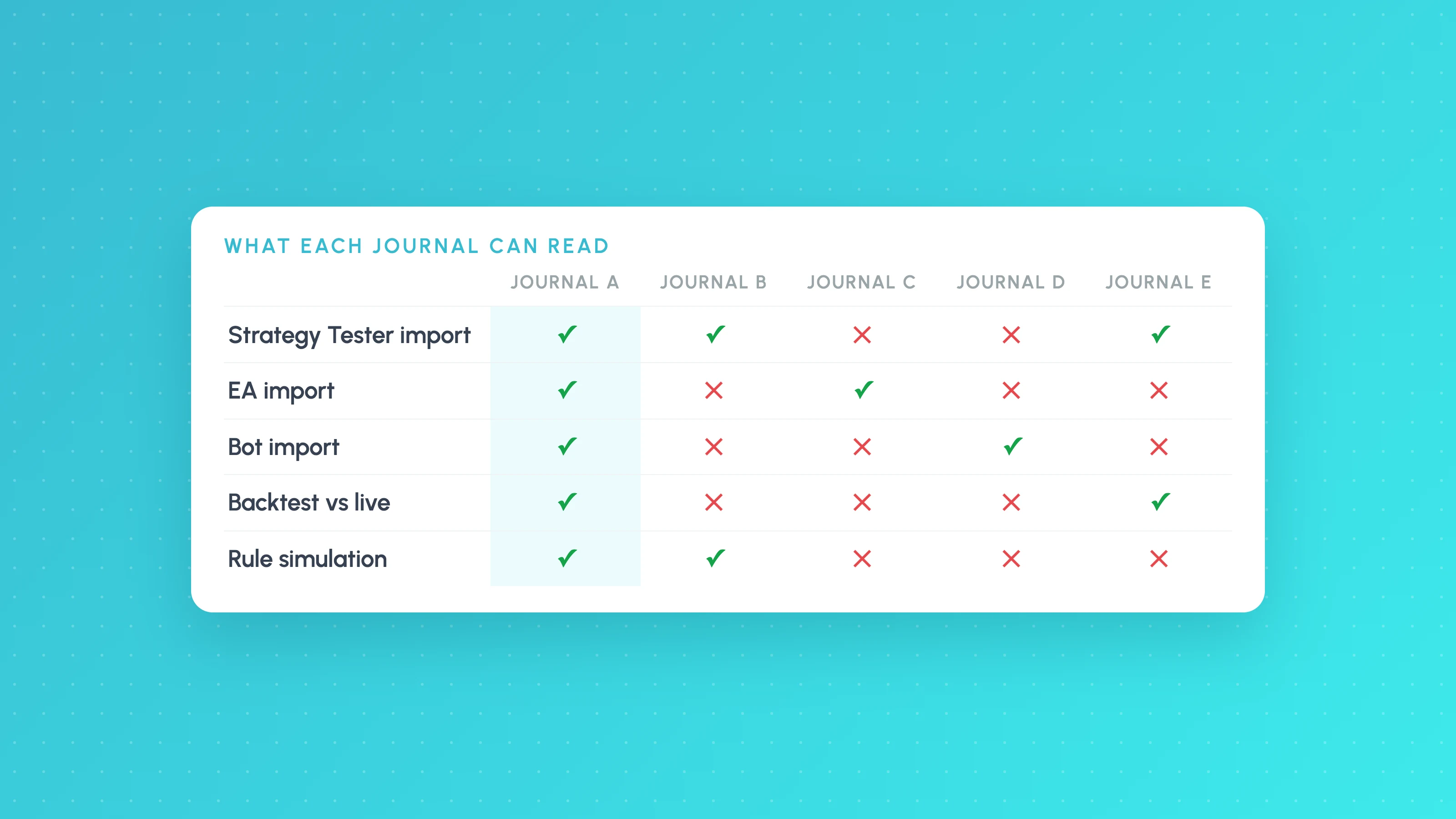
The best trading journal for algo traders is the one that can read what your strategy actually produces: Strategy Tester exports, MetaTrader EA history, NinjaTrader fills or bot trades from an exchange, and then let you compare those trades against the backtest. As of October 2026, TradesViz is the strongest general-purpose pick for algo imports, Journal by LuxAlgo is the best free option, and Tessera fits best if you want to test rule changes on your strategy's own trades; TradeZella and Edgewonk remain better choices for discretionary review and psychology.
Most "best trading journal" lists are written for discretionary day traders, so they score journals on mood tags, playbooks and screenshots. Those matter less when a script places the trades. This guide sets out the criteria that matter for automated and systematic strategies, compares seven journals on them, and says plainly where each one, including Tessera, is the wrong choice.
Prices and features below were checked against each vendor's own pages, or a dated review where the vendor's page would not load, between 29 and 30 October 2026. They change often, so confirm on the vendor's site before you pay.
What an algorithmic or automated trading journal needs to do
A discretionary journal answers "what was I thinking?". An algo journal has to answer "is the strategy behaving the way it did in testing, and under which conditions does it lose?". That leads to a different checklist.
- It imports what your strategy produces. That means backtest exports (TradingView's Strategy Tester, the MT5 Strategy Tester), not only live broker fills. If you can't load the backtest, you can't compare it with live trading. Our guides to exporting TradingView Strategy Tester results and MT5 Strategy Tester reports cover the export side.
- It keeps strategies apart. If you run several EAs on one MetaTrader account, each should use its own magic number, which MQL5's documentation describes as an Expert Advisor ID that "allows organizing analytical processing of trade orders". A journal that lumps every EA into one equity curve hides which one is losing.
- It reads your venue. NinjaTrader strategies, Tradovate futures accounts, Binance or Hyperliquid bots. Check whether the route is live sync or a file you upload, and whether fees come through.
- It can compare backtest with live. The single most useful algo review is the same strategy, same period, backtest trades next to live fills. The reasons the two drift apart are covered in why a strategy works in backtest but not live.
- It breaks results down by condition. Session, weekday, time of day, volatility and symbol, each with its trade count. An overall profit factor averages over conditions you might want to switch off.
- It lets you test a change before you recode. A stop, target or filter what-if on the trades already taken, so you know which change is worth putting back into the strategy and re-backtesting.
- Price per strategy. Algo traders often run several accounts or bots, so account limits on cheaper tiers matter.
Psychology tracking, emotion tags and tick replay are useful if you also trade by hand, but they are not what decides whether an automated strategy is working.
Comparison table (as of October 2026)
| Journal | Monthly price | Backtest / Strategy Tester import | MT5 and EAs | NinjaTrader | Crypto bots | What-if or rule testing |
|---|---|---|---|---|---|---|
| Tessera | Free; paid $39 / $99 / $249 | TradingView Strategy Tester export | MT4/5 history file | File import | Binance sync, Hyperliquid file | Stop, target and filter changes replayed on real candles |
| TradesViz | Free (stocks) / $19.99 / $29.99 | TradingView backtest XLSX; MT5 Strategy Tester reports | Investor-password sync, FTP or sync EA; __magic file tag | Add-on sync or CSV | Hyperliquid sync or CSV | Stop loss / profit target simulator |
| Journal by LuxAlgo | Free | TradingView paper trading (hosted); strategy exports listed in open-source README | MT4/5 file import | File import | Hyperliquid read-only sync; Binance by CSV | None described |
| TradeZella | $35 / $59 / $99 | Not listed (TradingView by file upload) | MT4/5 sync via investor password | Sync or file | Not in help-centre list | Manual and AI backtesting of new rules, not of your past trades |
| Edgewonk | $35 (or $197 a year) | Not listed (TradingView paper trading only) | MT4/5 auto-sync | NinjaTrader 7/8 listed | Not listed | "Performance simulator" |
| Tradervue | Free (30 trades) / $29.95 / $49.95 | Not listed | MT4/5 listed | Near-real-time via third-party plugin | Not listed | Exit analysis (Gold) |
| TraderSync | $29.95 / $49.95 / $79.95 | Not verified | Not verified | Not verified | Not verified | Market Replay; automated backtesting on Elite |
Sources for each row are linked in the sections below. "Not listed" means the vendor's own import pages did not show it when we checked, not that it can never work through a generic CSV importer.
Best for each kind of algo trader
Best all-round algo importer: TradesViz
TradesViz had the widest set of native algo imports among the journals whose import pages we could open. Its TradingView page says TradingView backtester XLSX exports are supported, and its MT5 page says Strategy Tester reports are supported, with sync via investor password, scheduled FTP or a sync EA, and a __magic filename suffix on uploads. NinjaTrader 8 syncs through an add-on or imports from CSV, and Hyperliquid can auto-sync.
On price, its pricing page lists a free plan limited to stocks and 3,000 executions a month, Pro at $19.99 a month and Platinum at $29.99, with a stop loss and profit target simulator. Pro and Platinum also include a REST API and a hosted MCP server, so you can connect ChatGPT or Claude to your journal; the page says these connections cannot place, change or cancel broker orders.
Choose it if you want one journal that ingests backtests, EAs, NinjaTrader and crypto at a low price. Look elsewhere if you want rule changes exported back into your strategy code.
Best free option: LuxAlgo trading journal
LuxAlgo's journal is free on every LuxAlgo plan, including the free one, and the same engine is published as an MIT-licensed, self-hostable project on GitHub. The README lists auto-detected imports for TradingView paper and strategy exports, MetaTrader 4 and 5, NinjaTrader, Tradovate and others, plus read-only sync for exchanges including Hyperliquid. Analytics include profit factor, expectancy, R multiples, drawdown, and breakdowns by weekday, time of day, hold time and symbol, and you can compare two accounts or two periods. MAE and MFE are labelled as estimates from candles rather than tick-perfect values.
It is marked as an early release, so the README warns that APIs and schema may change before version 1.0. We found no what-if or rule simulation in its documentation.
Choose it if you want a capable free journal, or want to self-host your trade data. Look elsewhere if you need to test stop, target or filter changes.
Best for testing rule changes on your own trades: Tessera
Tessera's journal is built for one job: analysing trades a strategy has already taken and testing changes to them. It imports TradingView Strategy Tester exports, MetaTrader 4 and 5, NinjaTrader, Tradovate and Hyperliquid files plus a custom CSV, and live-syncs Liquid Brokers, Interactive Brokers, OANDA, cTrader and Binance (supported platforms). Reports break results down by session, weekday, time of day, volatility and symbol. The simulator replays stop, target and filter changes on real candles, with up to 16 runs side by side, and rules that hold up can be exported into a new copy of your Pine Script for re-backtesting in TradingView. There is a Free plan with limits, and paid plans are $39, $99 and $249 a month. Tessera also includes Strategy Lab, a no-code backtester with stress tests, and on paid plans Launchpad, which can run a Strategy Lab strategy on paper or on a cTrader or Liquid Brokers account. The strategy, the settings and the risk are yours, and a backtest is not a guide to future results.
What it is not: Tessera is not a broker or a signal service. The journal and simulator do not generate new fills; they work on trades your strategy already took, and new backtests happen separately in Strategy Lab. Launchpad does not trade on MetaTrader, Binance or other brokers apart from cTrader and Liquid Brokers, and it cannot start a bot from TradingView alerts. It is also not built for mood tags, reflection prompts or tick-by-tick market replay. If you trade mostly by judgement, a discretionary journal will suit you better.
Choose it if you write or run Pine Script, EA or bot strategies and want to know which conditions cost money and which rule change to make. Look elsewhere if psychology and replay are the point of your journal.
Best for discretionary review and replay: TradeZella
TradeZella's strength is replaying the day. Its help centre describes Trade Replay as reviewing your actual executed trades, separate from its backtesting tool, where you place simulated trades on historical data. Its pricing page lists Essential at $35, Pro at $59 and Ultra at $99 a month, with replay on Pro and Ultra, manual bar-by-bar backtesting on all plans, and an AI "Backtest in Plain English" feature with 10 runs a month on Pro and 100 on Ultra. TradeZella claims more than 500 broker and prop firm integrations.
For algo traders, its supported brokers list shows sync for MetaTrader 4/5, NinjaTrader, cTrader and Tradovate, but TradingView only by file upload, and Binance and Hyperliquid were not listed when we checked. MT5 sync uses your investor password. We found no mention of importing Strategy Tester results.
Choose it if you trade discretionary setups alongside a bot and value replay and playbooks. Look elsewhere if your main need is backtest-versus-live analysis of a strategy.
Best for MetaTrader traders who also trade by hand: Edgewonk
Edgewonk's import page lists MetaTrader 4 and 5 with auto-sync for MetaTrader brokers and prop firms, plus NinjaTrader 7/8, cTrader and Tradovate, and TradingView for paper trading only; other platforms go through its Excel import. Its pricing page shows $35 a month or $197 a year, with the same features on both, including a performance simulator, strategy testing and psychology tracking with a "Tiltmeter" for rule breaks.
Choose it if you run EAs on MetaTrader and also trade manually, and want psychology tracking in the same place. Look elsewhere if you need to load backtest exports.
Best for stock traders with broker sync: Tradervue
Tradervue is a long-standing stock journal. A StockBrokers.com review dated August 2026 lists a free tier capped at 30 trades a month, Silver at $29.95 a month and Gold at $49.95, with exit analysis and advanced reports on Gold, and sync with more than 80 brokers. Tradervue's own broker list includes MetaTrader 4 and 5, Interactive Brokers and Tradovate, and notes that near-real-time NinjaTrader import needs a third-party plugin. TradingView and Binance were not on the list.
Choose it if you trade US stocks, mostly by hand, through a supported broker. Look elsewhere if you need backtest imports or crypto bots.
TraderSync
TraderSync's own pages would not load for us when we checked, so we have not verified its algo import routes and the table marks them as such. A September 2026 snapshot by Trader's Second Brain, a competing product, lists Pro at $29.95, Premium at $49.95 and Elite at $79.95 a month, Market Replay on all tiers at different update speeds, and automated backtesting on Elite. Check its supported-brokers page for your platform before buying.
What none of them do
No journal can tell you whether a strategy will make money in future. Every journal's analytics, Tessera's included, describe trades that have already happened. A what-if run on past trades is evidence about the past, and a filter found by slicing the same trades you are testing on can be overfit. Test any change on a period you didn't use to find it, and see our overfitting checklist.
A journal's what-if simulator is not a substitute for a proper backtest either. It re-scores trades your strategy took, and it does not generate the trades a new rule would have opened. (TradeZella's and TraderSync's backtesting tools do place new simulated trades, but on rules you enter there, not on your existing strategy code.) After you find a change worth making, put it back into the strategy and re-run the backtest.
Trading carries risk, and a better journal does not make a losing strategy profitable.
How to choose in five minutes
- Mostly TradingView strategies: pick a journal that imports Strategy Tester exports (TradesViz or Tessera; the open-source LuxAlgo engine also lists TradingView strategy exports). Our TradingView journal comparison goes deeper.
- MT5 EAs: give each EA its own magic number first, then choose a journal that can separate them (TradesViz supports a
__magicfilename suffix on MT5 uploads) or upload one history file per EA. TradeZella and Edgewonk both sync MT5. - NinjaTrader or Tradovate futures: TradesViz, TradeZella, Edgewonk and Tradervue list NinjaTrader; Tessera and LuxAlgo import its files.
- Crypto bots: Hyperliquid sync is available in TradesViz and LuxAlgo; Tessera imports Hyperliquid files (export guide) and syncs Binance.
- On a budget: Journal by LuxAlgo is free; TradesViz has a free stocks tier.
- Want to know which rule to change: Tessera. See how the algo trading journal imports and logs each trade, and the supported brokers and platforms.
Switching from another journal?
If you are leaving a discretionary journal because it doesn't read your bots or backtests, these compare the options in more depth, with prices checked in November 2026: TradeZella alternatives, TraderSync alternatives and Edgewonk alternatives.
Frequently asked questions
- What's the best trading journal for algo traders?
- It depends on where your trades come from. As of October 2026, TradesViz has the widest native support for algo sources such as TradingView backtests, MT5 Strategy Tester reports and Hyperliquid; Journal by LuxAlgo is the best free option; and Tessera is the best fit if you want to test stop, target and filter changes on your strategy's real trades.
- What is an automated trading journal?
- An automated trading journal imports trades for you, by broker sync or by uploading a platform export, instead of asking you to type each trade in. For algo traders the useful ones also import backtest exports, keep each strategy or EA separate, and break results down by session, weekday and volatility so you can see where an automated strategy loses.
- What software can I use to track my algorithmic trading?
- Any journal that imports your platform's trade history will track P&L, win rate and drawdown. For algo strategies, prefer one that also loads backtest exports and separates strategies, so you can compare backtest with live per strategy. TradesViz, Journal by LuxAlgo and Tessera all import TradingView strategy exports.
- Which trading journal imports TradingView Strategy Tester results?
- As of October 2026, TradesViz supports TradingView backtester XLSX exports, the LuxAlgo journal's open-source engine lists TradingView strategy exports among its formats, and Tessera imports Strategy Tester exports directly. TradeZella lists TradingView as a file upload, and Edgewonk lists TradingView paper trading only. Our guide on exporting Strategy Tester results shows how to get the file.
- Is there a free trading journal for algo trading?
- Yes. Journal by LuxAlgo is free on every LuxAlgo plan and can be self-hosted from its MIT-licensed GitHub project. TradesViz also has a free plan, but it is limited to stocks and 3,000 executions a month.
- Is the LuxAlgo trading journal good for algo traders?
- For tracking and reviewing results, yes. It's free on every LuxAlgo plan, and its open-source README lists imports for TradingView strategy exports, MetaTrader 4 and 5, NinjaTrader and Tradovate, with breakdowns by weekday, time of day and hold time. Its limits for algo work are that MAE and MFE are estimated from candles, the project is an early release whose schema may change before version 1.0, and we found no way to simulate stop, target or filter changes on your trades.
- What is a good LuxAlgo Trade Journal alternative?
- If you want similar imports with a what-if simulator, TradesViz is the closest paid alternative. If you want to replay stop, target and filter changes on real candles and export the result into Pine Script, Tessera is built for that. If you trade by hand and want replay and playbooks, TradeZella is the stronger choice.
- Can a trading journal compare my backtest with my live results?
- Only if it can import both. Load the backtest export and the live trades for the same period, then compare entry and exit prices, missed fills and results by condition. In Tessera you can import the live trades next to the backtest under one strategy and compare them by session and market condition, and Journal by LuxAlgo lets you compare two accounts or two periods, so you can load the backtest and live trades as separate accounts. If you want to see what this looks like on your own strategy, a free Entry Analysis report breaks your trades from a synced broker, a platform export or any spreadsheet down by session, weekday, time of day and volatility, with no card needed.
Keep reading
 Trading journals
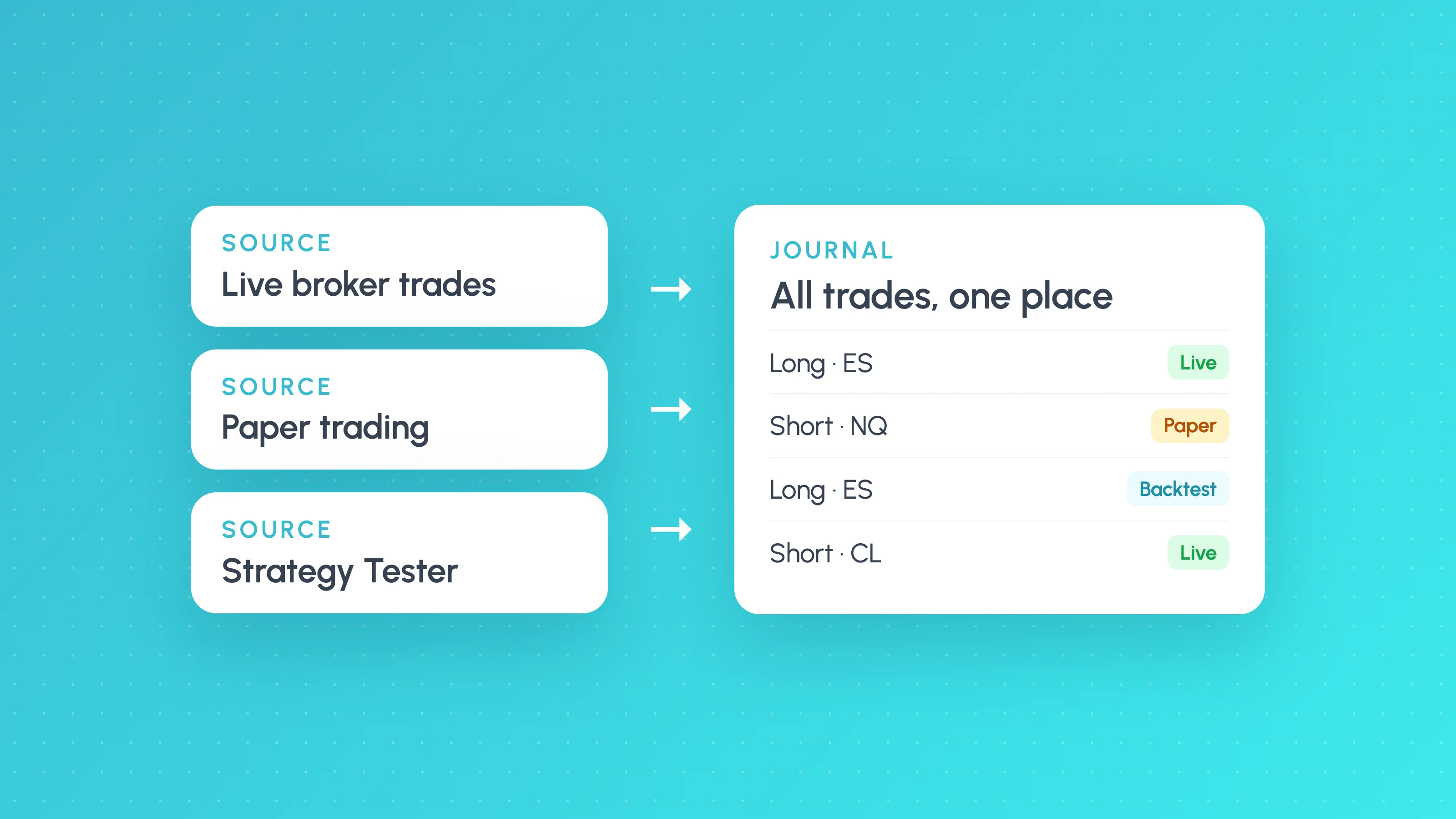
Best Trading Journal for TradingView (2026): Live Trades, Paper Trades and Strategy Tester Results
The best trading journal for TradingView depends on what you log: broker fills, paper trades or Strategy Tester results. See which journals import each.
 TradingView backtests
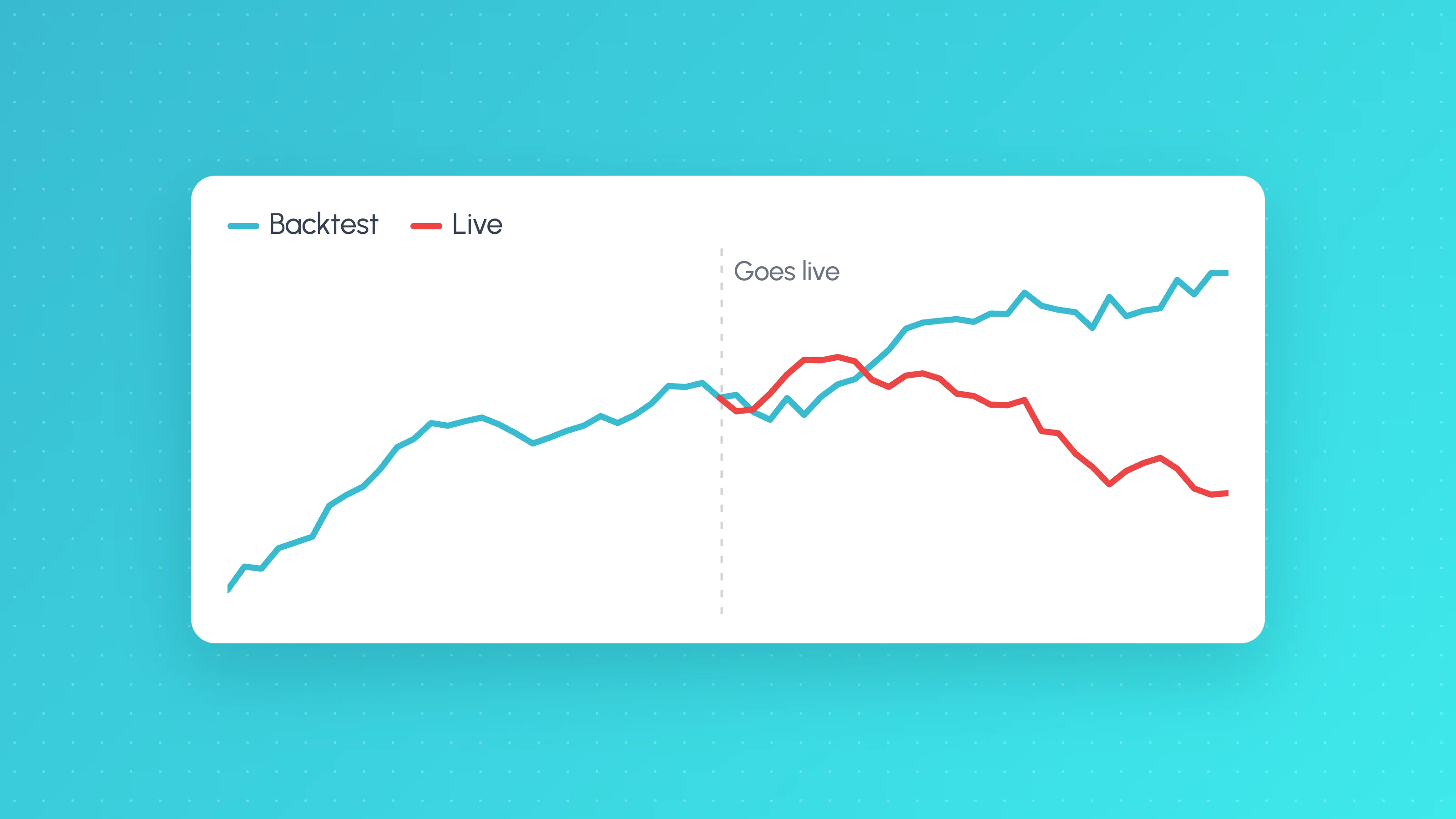
Why Does My Strategy Work in Backtest but Not Live?
Why a TradingView strategy works in backtest but not live: costs, fill assumptions, repainting, gaps, data, alert delays and overfitting, with a check for each.
 Platforms and exports
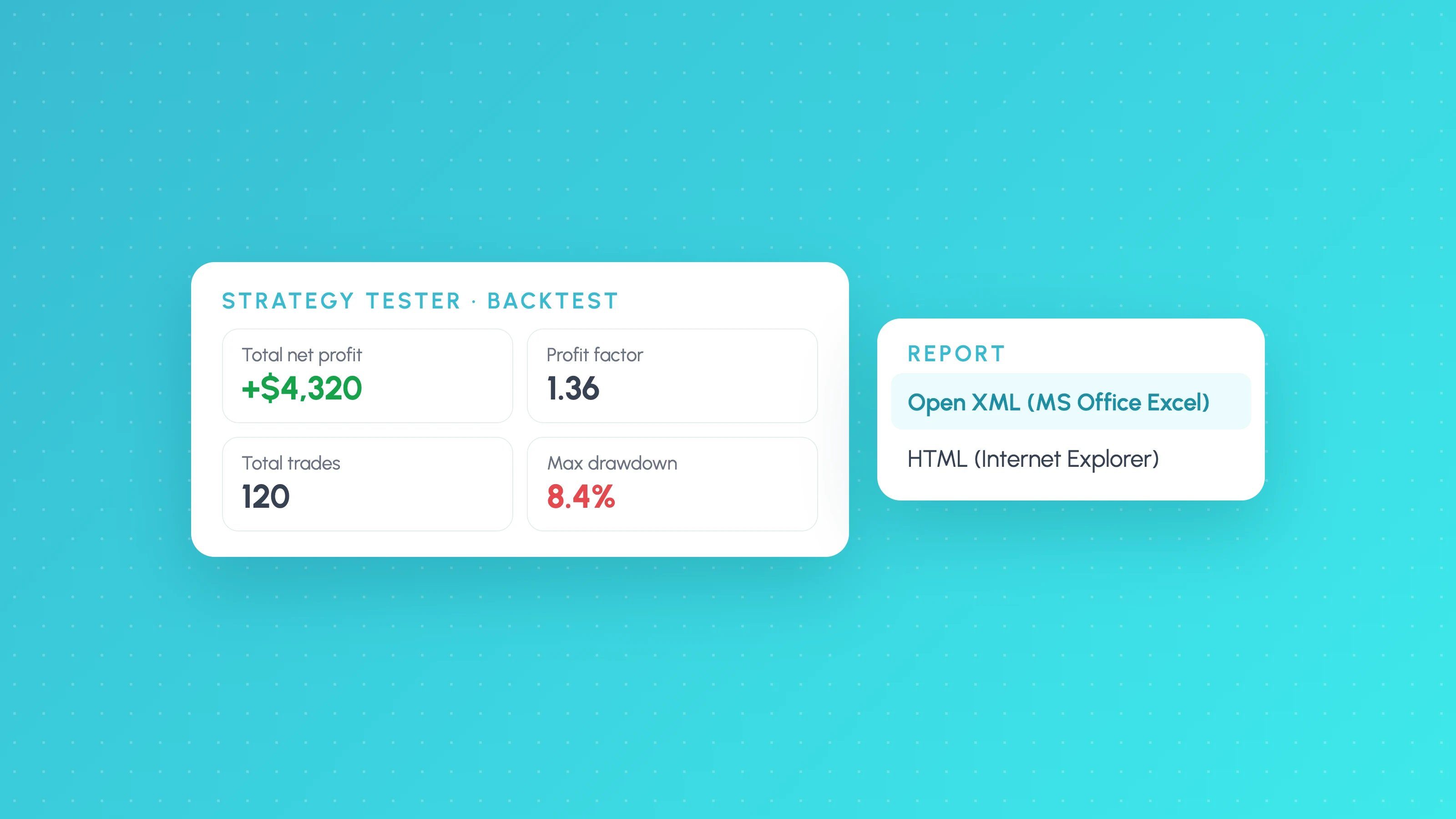
MT5 Strategy Tester Report Export: Excel, HTML and EA Analysis
Save your MT5 Strategy Tester report as Excel or HTML, understand deals, orders and positions, and break EA backtest results down by session and volatility.